How Much VRAM Do You Need for AI? The Complete 2026 Reference
VRAM requirements for every popular LLM at every quantization level. Llama 4, DeepSeek R1, Qwen 3, Mistral, Stable Diffusion — the only table you need.
📋 This article contains affiliate links. We may earn a small commission at no extra cost to you.
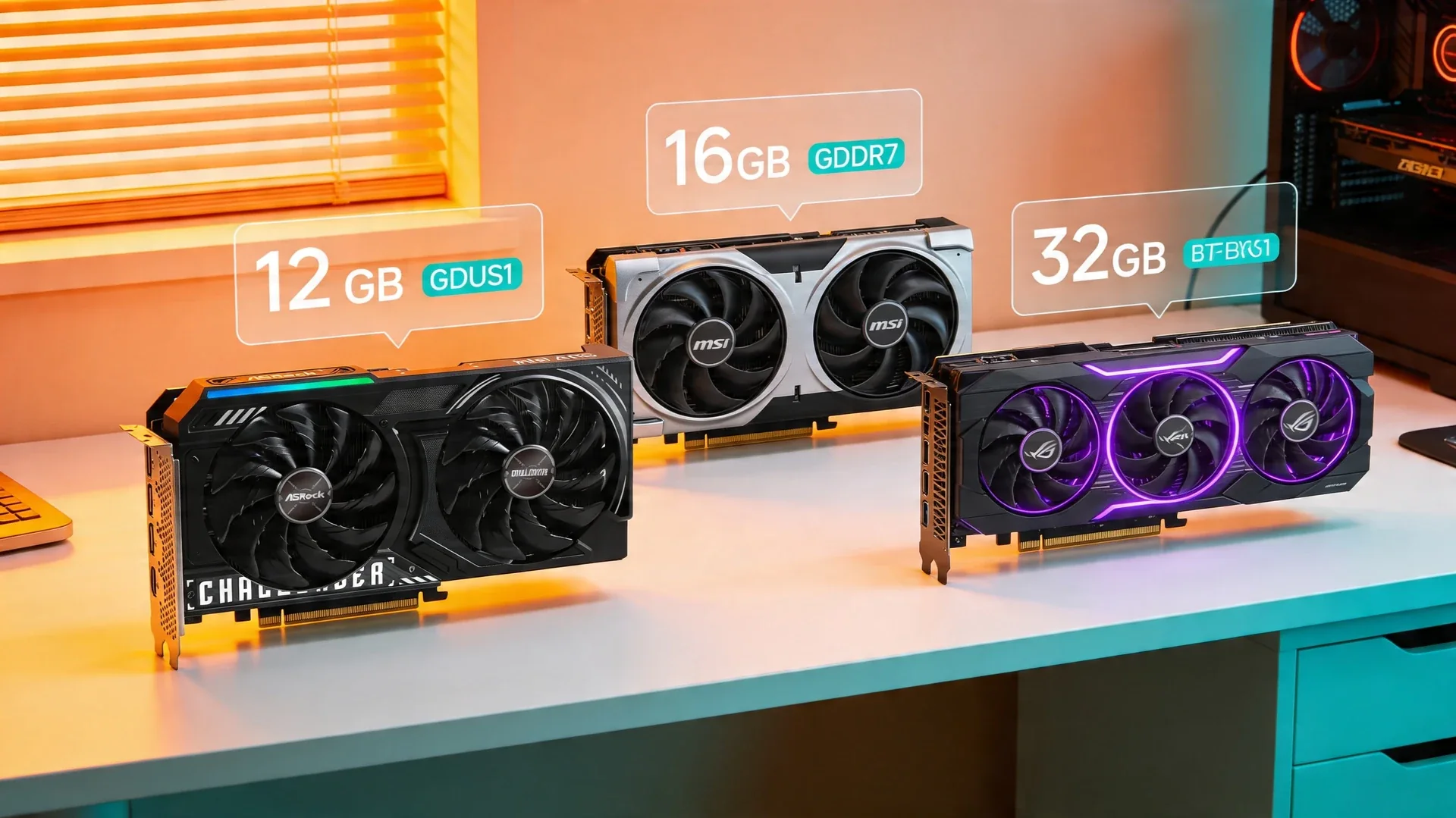
Current product picks
These are current Amazon listings for the GPUs discussed in this guide. Amazon pricing can move faster than the market, especially for discontinued and halo cards.
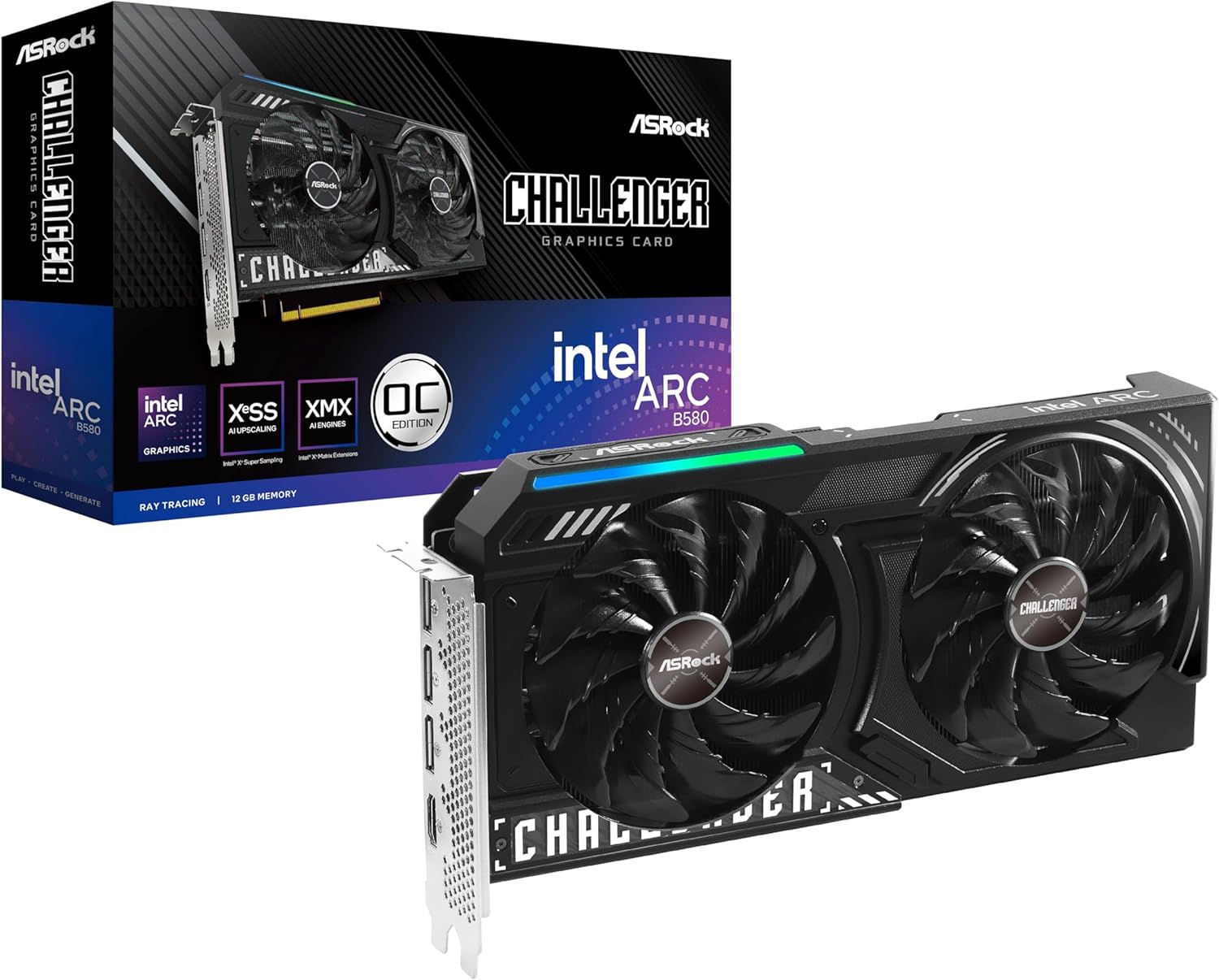
ASRock Intel Arc B580 Challenger 12GB OC
Budget starter tier for 7B-class models and lighter experimentation.
- VRAM
- 12GB GDDR6
- Current listing
- ~$310
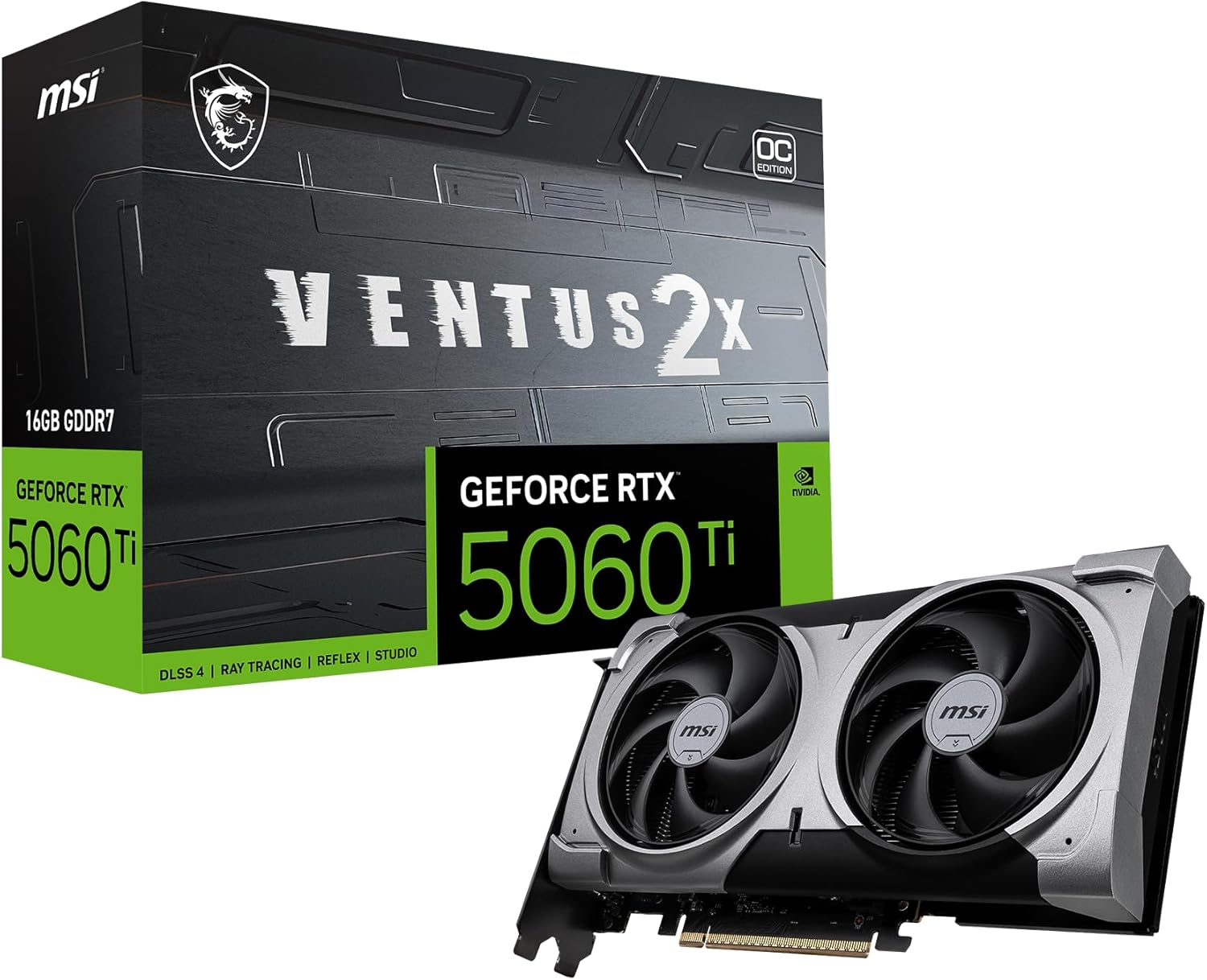
MSI RTX 5060 Ti 16G Ventus 2X OC Plus
Strong general-purpose tier for 7B to 14B models, but this exact linked SKU was out of stock when checked 2026-07-11.
- VRAM
- 16GB GDDR7
- Current listing
- Out of stock (checked 2026-07-11)
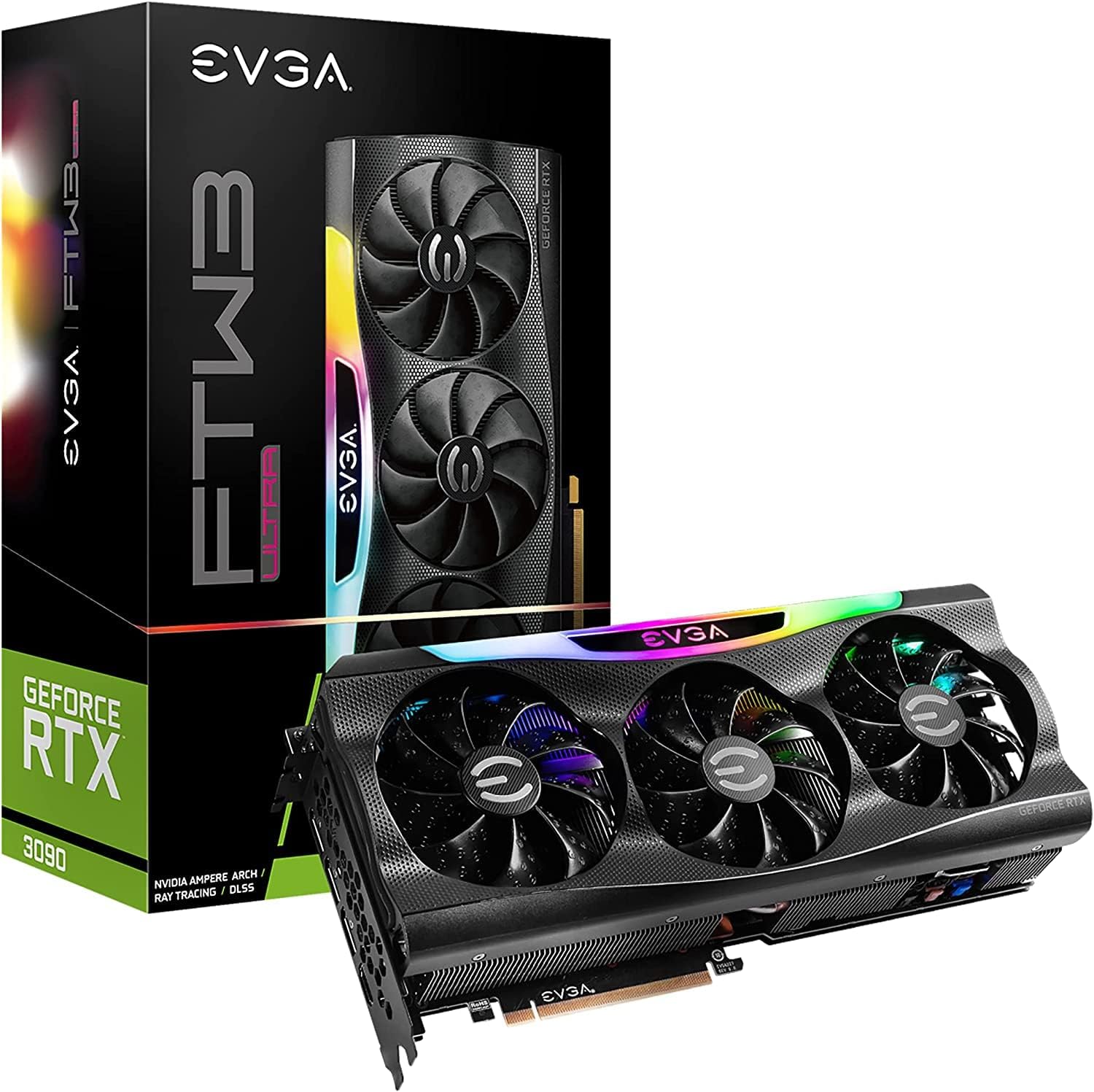
EVGA GeForce RTX 3090 FTW3 Ultra Gaming (Renewed)
A practical entry point into 24GB-class local inference if you want renewed coverage on Amazon.
- VRAM
- 24GB GDDR6X
- Current listing
- ~$1,500-1,700
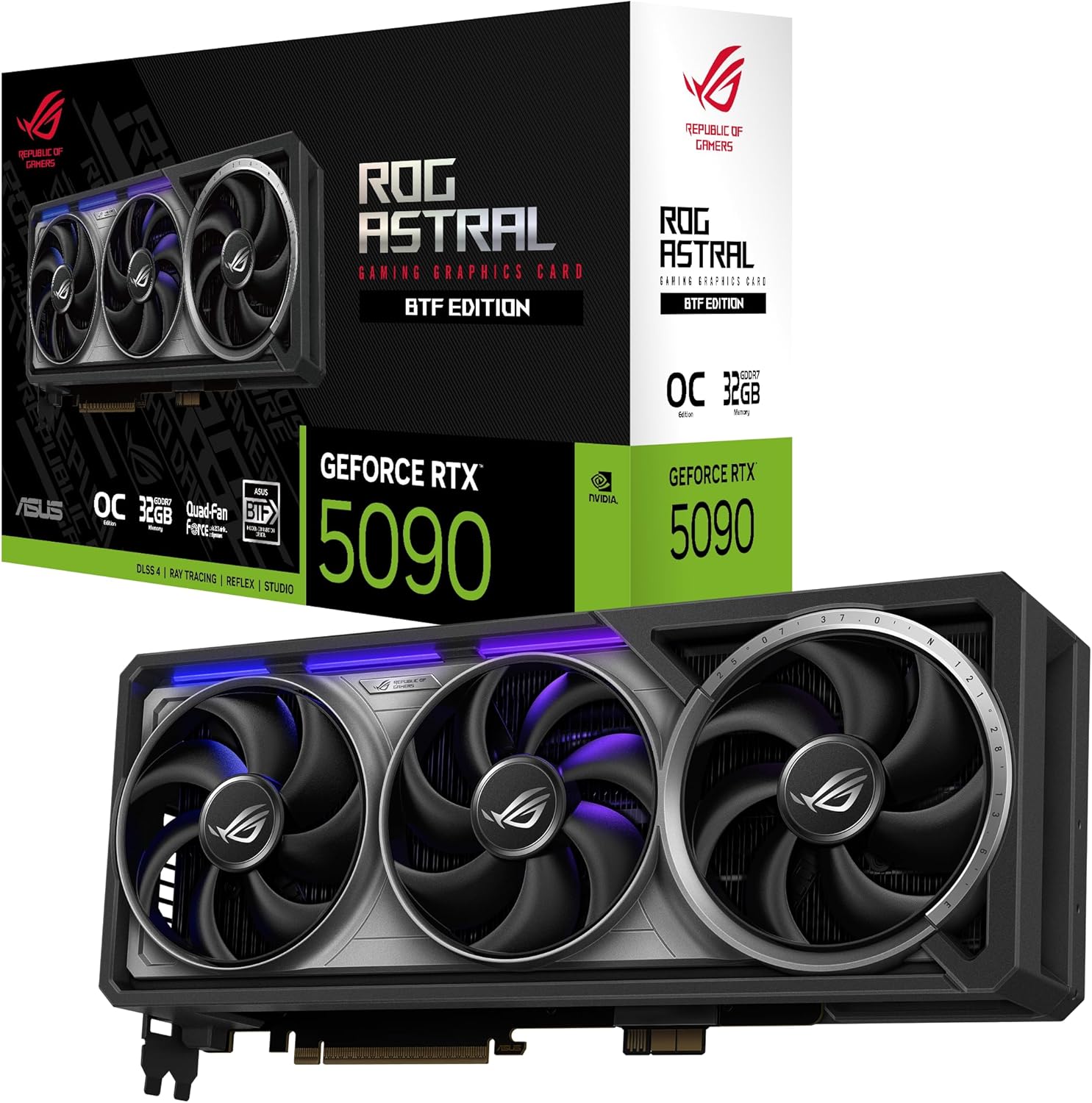
ASUS ROG Astral GeForce RTX 5090 BTF OC Edition
Single-card maximum headroom; the linked listing was roughly $4,100-4,300 when checked 2026-07-11, far above MSRP.
- VRAM
- 32GB GDDR7
- Current listing
- ~$4,100-4,300
This is the reference you’ll bookmark and keep coming back to. We update it with every major model release.
Quick answer
Target 16GB of VRAM for 7B–14B models, 24GB for comfortable 30B-class inference, and 40GB+ if 70B-class models are a real goal. Estimate it as parameters × bytes-per-parameter (Q4 ≈ 0.5) plus ~2GB overhead and context.
VRAM is the constraint that decides whether local inference feels smooth or frustrating. If the model fits in GPU memory, the experience is usable. If it spills heavily into system RAM, speed drops hard and the GPU choice starts to look wrong very quickly.
Use this guide to map model size and quantization to a realistic GPU tier. If you already know your model, skip the tables and run it through the VRAM calculator on this page — it turns a model, quantization, and context window into a memory target and a matching GPU shortlist. When you are ready to turn that target into an actual purchase, the best GPU guide covers the buying decision. For a quick yes/no on a specific pairing, the GPU × model fit matrix answers “can this card run this model?” at a glance.
Quick Answer: What GPU For Your Use Case?
| Use Case | Minimum VRAM | Recommended GPU | Budget |
|---|---|---|---|
| Casual chat and simple tasks for 7B models | 8GB | RTX 4060 Ti 16GB or Intel Arc B580 | $250-$450 |
| Coding assistant and summarization for 13-14B models | 12-16GB | RTX 5060 Ti 16GB tier | Exact linked SKU out of stock 2026-07-11 |
| High-quality reasoning and complex tasks for 30-34B models | 24GB | RTX 3090 renewed, RX 7900 XTX, or RTX 4090 | Compare current listings |
| Maximum quality and large context for 70B models | 40GB+ | Sharded dual 24GB GPUs or a large unified-memory system | Compare complete-system cost |
| AI image generation with Stable Diffusion and FLUX | 12-16GB | RTX 5060 Ti or RTX 4060 Ti 16GB tier | Compare available 16GB listings |
| AI video generation with Wan2.1 and CogVideo | 16-24GB | 24GB or 32GB GPU tier | Compare current listings; linked flagships were collector-priced |
12GB tier
ASRock Intel Arc B580 Challenger 12GB OC
Budget starter tier for 7B-class models and lighter experimentation.
View Amazon listing16GB tier
MSI RTX 5060 Ti 16G Ventus 2X OC Plus
Strong general-purpose tier for 7B to 14B models, image generation, and lower-power always-on systems.
View Amazon listing24GB tier
EVGA GeForce RTX 3090 FTW3 Ultra Gaming Renewed
A practical 24GB entry point when you want Amazon-backed checkout for larger local inference workloads.
View Amazon renewed listing32GB tier
ASUS ROG Astral GeForce RTX 5090 BTF OC Edition
Single-card maximum headroom for readers who want the least compromise on 30B to 70B planning.
View Amazon listingUnderstanding Quantization — Why 70B Models Can Fit on Less VRAM
If you’re new to local AI, you’ll see terms like Q4_K_M, Q5_K_M, Q8, and FP16 everywhere. Here’s what they mean in plain English:
Full precision (FP16/BF16): The model uses its full quality. Takes the most VRAM. Used for training and maximum accuracy.
8-bit quantization (Q8): Reduces VRAM by ~50% with minimal quality loss (~1-2% on benchmarks). Excellent balance.
5-bit quantization (Q5_K_M): Reduces VRAM by ~65%. Very small quality loss. Great for most use cases.
4-bit quantization (Q4_K_M): Reduces VRAM by ~75%. This is the sweet spot for local AI in 2026. The quality difference from FP16 is noticeable on reasoning benchmarks but barely matters for everyday chat, coding, and writing tasks.
3-bit quantization (Q3_K_M): Reduces VRAM by ~80%+. Quality starts to degrade noticeably, especially for complex reasoning. Use only when you need to squeeze a large model into limited VRAM.
The practical rule: Q4_K_M is the standard. Start there. Only go to Q5 or Q8 if you have VRAM to spare.
Calculate VRAM for Your Exact Model
The tables below cover the models people ask about most. If yours isn’t listed — or you want to see how a longer context window changes the answer — work it out here. Pick the model, the quantization you plan to run, and the context length you actually need; the calculator returns the estimated VRAM and the cheapest hardware that clears it.
VRAM Calculator
Estimate planning VRAM for 58 OpenRouter-backed local models. The list is sorted A-Z, searchable, and each context menu now scales from small presets up to the model maximum.
Uses a planning formula: total parameters x bytes per parameter, plus runtime and context overhead.
Start typing to search the catalog, then pick a model to unlock quantization, context, and hardware recommendations.
Recommended Hardware
Recommendations appear after you choose a model.
These are planning estimates, not measured allocations: real usage moves with the inference runtime, the KV-cache precision, and how much of the model your loader keeps resident. Treat the result as the floor you need to clear, then leave headroom. For the full planner, including hardware sorted by price, power draw, and headroom, open the VRAM calculator tool.
The Complete VRAM Requirements Table
All values include about 2GB overhead for model loading and a 4K token context window. For longer context windows above 32K, add another 1-4GB depending on model architecture.
Text LLMs for Chat, Coding, and Reasoning
| Model | Parameters | Q4_K_M | Q5_K_M | Q8 | FP16 | Recommended GPU |
|---|---|---|---|---|---|---|
| Llama 3.3 8B | 8B | ~5GB | ~6GB | ~9GB | ~16GB | Any 8GB+ GPU |
| Mistral 7B | 7B | ~4.5GB | ~5.5GB | ~8GB | ~14GB | Any 8GB+ GPU |
| Phi-4-mini | 3.8B | ~2.5GB | ~3GB | ~4.5GB | ~8GB | Any 6GB+ GPU |
| Qwen 3 7B | 7B | ~4.5GB | ~5.5GB | ~8GB | ~14GB | Any 8GB+ GPU |
| DeepSeek-R1 7B | 7B | ~4.5GB | ~5.5GB | ~8GB | ~14GB | Any 8GB+ GPU |
| DeepSeek-R1 14B | 14B | ~8.5GB | ~10GB | ~15GB | ~28GB | 12-16GB GPU |
| Qwen 2.5 Coder 14B | 14B | ~8.5GB | ~10GB | ~15GB | ~28GB | 12-16GB GPU |
| Gemma 4 26B MoE | 26B total, 3.8B active | ~15GB | ~18GB | ~27GB | ~52GB | 16GB GPU |
| Gemma 4 31B Dense | 31B | ~18GB | ~22GB | ~32GB | ~62GB | 24GB GPU |
| Qwen 2.5 32B | 32B | ~19GB | ~23GB | ~33GB | ~64GB | 24GB GPU |
| Llama 3 70B | 70B | ~38GB | ~46GB | ~72GB | ~140GB | Dual 24GB GPUs |
| DeepSeek-R1 70B | 70B | ~38GB | ~46GB | ~72GB | ~140GB | Dual 24GB GPUs |
Image Generation Models
| Model | Minimum VRAM | Recommended VRAM | Notes |
|---|---|---|---|
| Stable Diffusion 1.5 | 4GB | 8GB | Lightweight, runs on anything |
| SDXL | 8GB | 12GB | Standard quality |
| FLUX.1 [dev] | 12GB | 16GB | Latest architecture |
| Stable Diffusion 3 | 12GB | 16GB | Best with 16GB+ |
Video Generation Models
| Model | Minimum VRAM | Recommended VRAM | Notes |
|---|---|---|---|
| AnimateDiff | 8GB | 12GB | Short clips from SD |
| Wan2.1 (480p) | 8GB | 12GB | Basic AI video |
| Wan2.1 Enhanced | 16GB | 24GB | Higher quality |
| CogVideoX | 16GB | 24GB | Text-to-video |
| Stable Video Diffusion | 16GB | 24GB+ | Highest quality |
How to Calculate VRAM for Any Model
Here’s the simple formula:
VRAM needed ≈ parameters in billions × bytes per parameter + 2GB overhead
Bytes per parameter by quantization:
- FP16: 2 bytes
- Q8: 1 byte
- Q5_K_M: ~0.65 bytes
- Q4_K_M: ~0.5 bytes
- Q3_K_M: ~0.4 bytes
Example: Llama 3.3 8B at Q4_K_M = (8 × 0.5) + 2 = 6GB
Don’t forget context window overhead. At 4K tokens, add about 0.5GB. At 32K tokens, add about 2-4GB. At 128K tokens, add about 8-16GB. That is where even 24GB GPUs start to feel tight.
GPU Recommendations by VRAM Tier
8GB VRAM — Entry Level
GPUs: RTX 4060 8GB, RTX 3060 12GB. The RTX 3060 sits above this tier in capacity, but shoppers still compare it with 8GB cards in the same budget band. What runs: 7B models at Q4. Very limited. Verdict: Minimum viable for experimentation. Not recommended for daily use.
12GB VRAM — Budget Starter
GPUs: RTX 3060 12GB at about $200-250 used, Intel Arc B580 at about $249 What runs: 7B models comfortably, 13B models at aggressive quantization. Verdict: Good for learning and light use. You’ll outgrow it.
16GB VRAM — The Sweet Spot for Most Users
GPUs: RTX 5060 Ti 16GB, RTX 4060 Ti 16GB, or RTX 5080 16GB. The exact linked 5060 Ti SKU was out of stock on 2026-07-11; compare available listings. What runs: 7B-13B models comfortably, 30B at Q4 with tight headroom, plus image generation. Verdict: Best balance of capability and cost. Recommended starting point.
24GB VRAM — Serious Local AI
GPUs: RTX 3090 24GB, RTX 4090 24GB, AMD RX 7900 XTX 24GB, or another verified 24GB option. Compare current listings; the linked renewed RTX 3090 was roughly $1,500–1,700 when checked 2026-07-11. What runs: Everything up to 30-34B models comfortably. 70B models at aggressive quantization. All image and video generation. Verdict: The “you’ll never regret this” tier. Get here if you can.
32GB+ VRAM — Maximum Consumer
GPUs: RTX 5090 32GB. The linked listing was roughly $4,100-4,300 when checked 2026-07-11, so seek a materially better offer. What runs: 30B at Q8 (near-lossless quality), 70B at Q4 with decent context. Verdict: Best single-GPU experience available in 2026.
48GB+ VRAM — Multi-GPU or Pro
GPUs: Two 24GB GPUs with runtime-supported model sharding, an RTX A6000 with 48GB, or a large unified-memory Mac What runs: 70B models at good quantization, 405B models at extreme quantization. Verdict: For advanced users who need large model support.
Common Mistakes
- Buying an 8GB card and expecting comfort. 8GB barely fits 7B models with no context headroom — 16GB is the practical floor.
- Forgetting context overhead. Long context adds several GB; a model that fits at 4K can spill at 128K.
- Running FP16 locally “for quality.” Q4_K_M is the standard for local use; FP16 wastes VRAM for negligible gain in chat and coding.
- Counting system RAM as VRAM. Only GPU VRAM keeps inference fast; spilling to RAM is 10–50x slower.
Frequently Asked Questions
Can I combine VRAM from two GPUs?
Software such as llama.cpp can shard a model across multiple GPUs, giving it access to their aggregate VRAM. The memory is not transparently pooled: the runtime must split tensors or layers, and communication adds overhead. NVLink improves transfers between RTX 3090 cards but does not turn them into one 48GB GPU.
Does system RAM help if my GPU runs out of VRAM?
Yes, through “CPU offloading” — but it’s 10-50x slower. Models that partially fit in VRAM run at reduced speed proportional to how much spills to system RAM. It works for testing but isn’t practical for daily use. To see exactly how many layers you can keep on the GPU and how much spills to RAM for your hardware, use the VRAM + RAM offload calculator — enter your VRAM and system RAM and it returns the recommended --n-gpu-layers split.
Is Apple Silicon VRAM different from GPU VRAM?
Apple’s unified memory architecture shares memory between CPU and GPU. A Mac with 24GB unified memory can dedicate most of it to AI inference — making it function similarly to a 16-20GB discrete GPU for model loading. Performance is lower per-GB than NVIDIA due to memory bandwidth differences.
How often should I check this guide?
We update this table with every major model release. Bookmark it and check back when new models drop.
For GPU buying recommendations based on these VRAM tiers, see our Best GPU for Local LLMs 2026 guide.
Last updated: April 2026. Values are approximate and may vary by implementation, context length, and specific quantization formats such as GGUF, AWQ, and GPTQ. We reference LM Studio Community data, llama.cpp benchmarks, and model cards from Hugging Face.