16GB vs 24GB VRAM for LLMs — Which Do You Need? (2026)
16GB vs 24GB VRAM for local LLMs: exactly which models each tier runs, where 16GB gets frustrating, and how to decide without overspending on a GPU.
📋 This article contains affiliate links. We may earn a small commission at no extra cost to you.
Current product picks
These are current Amazon listings for the GPUs discussed in this guide. Amazon pricing can move faster than the market, especially for discontinued and halo cards.
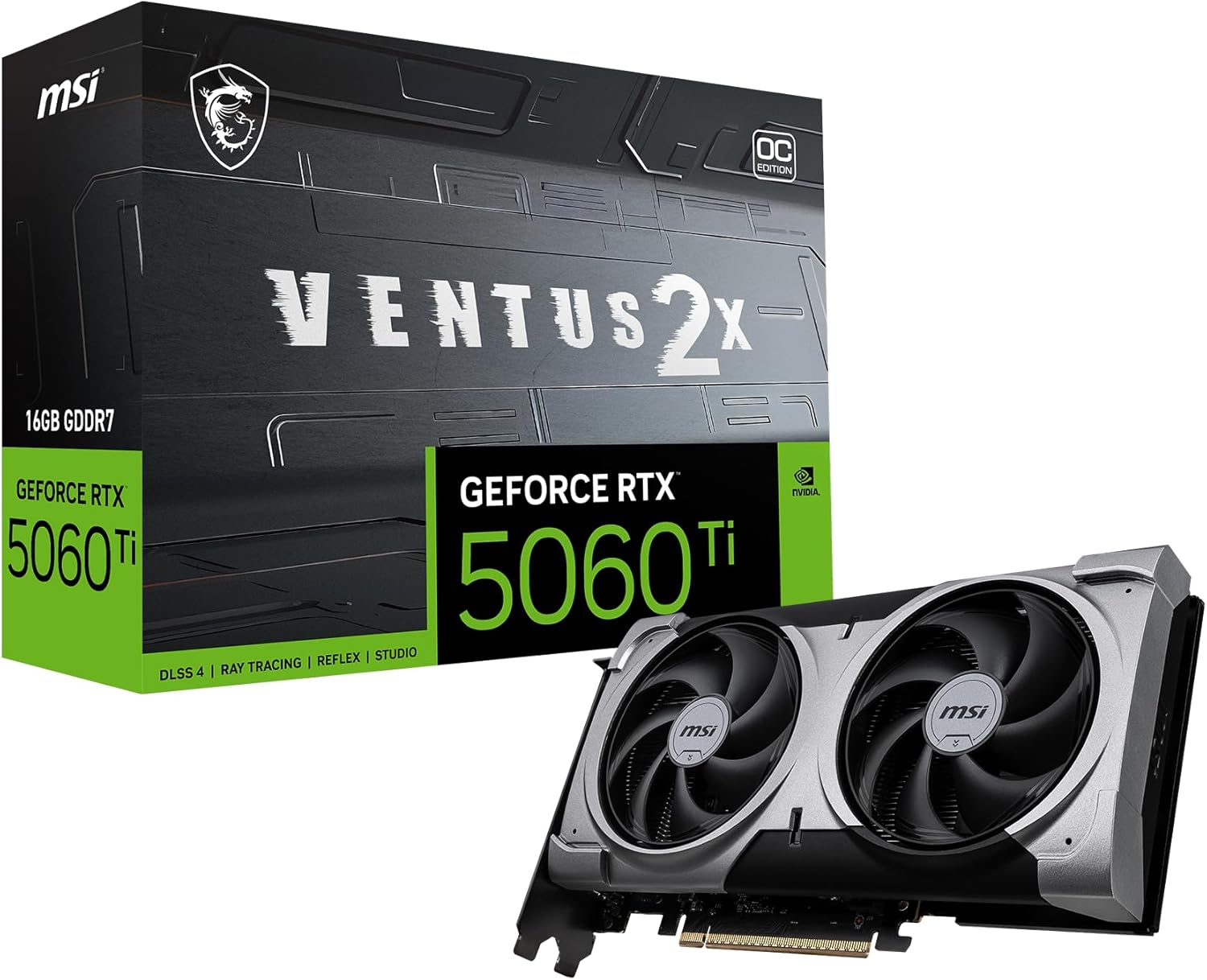
MSI RTX 5060 Ti 16G Ventus 2X OC Plus
The sensible 16GB tier for 7B-14B models, but this exact linked SKU was out of stock when checked 2026-07-11.
- VRAM
- 16GB GDDR7
- Current listing
- Out of stock (checked 2026-07-11)
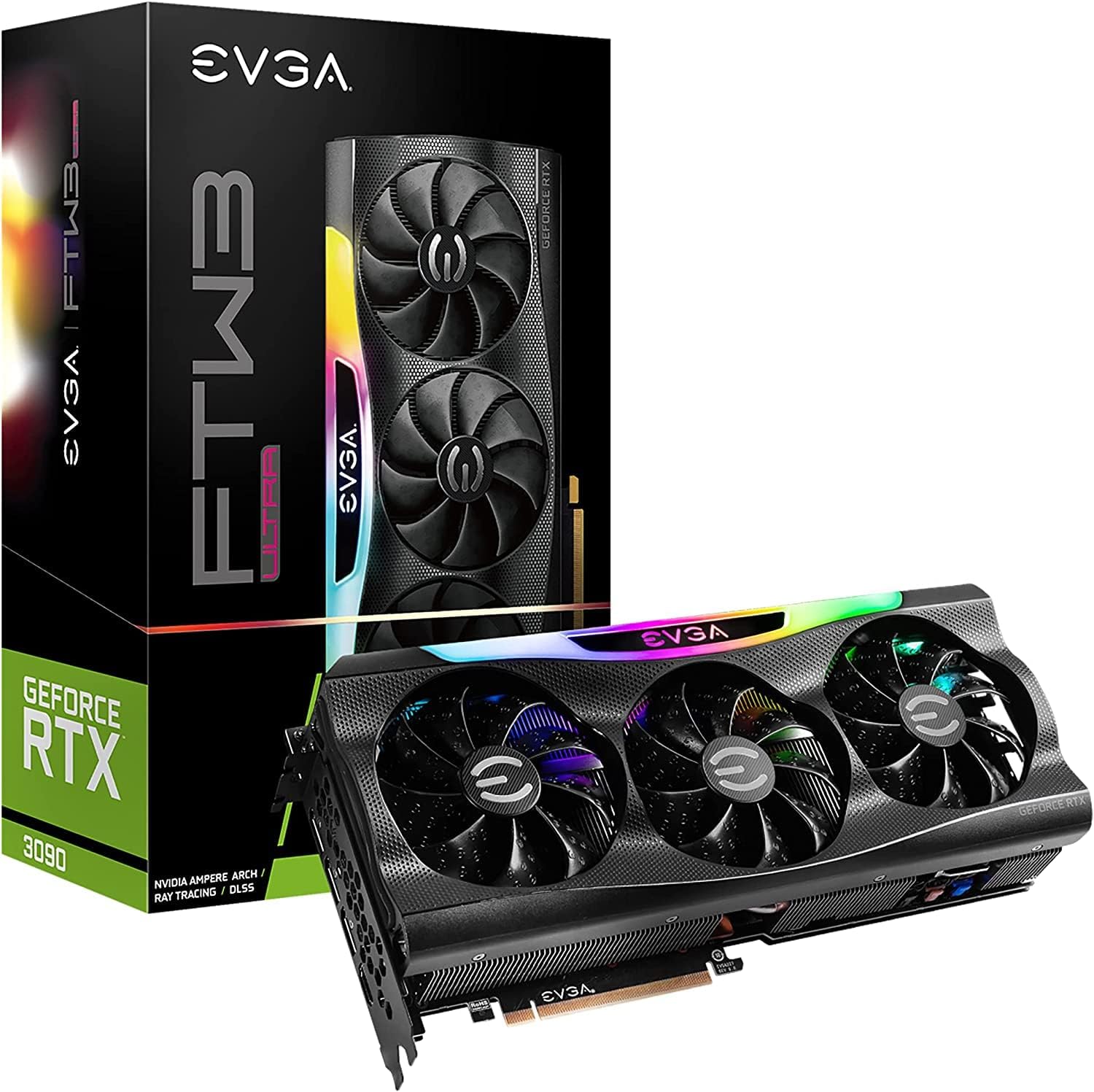
EVGA GeForce RTX 3090 FTW3 Ultra Gaming (Renewed)
The linked renewed listing was roughly $1,500-1,700 when checked 2026-07-11. Private-market cards may cost less, but condition and return terms vary.
- VRAM
- 24GB GDDR6X
- Current listing
- ~$1,500-1,700 used
This article contains affiliate links. We may earn a small commission at no extra cost to you. VRAM figures use the methodology in our VRAM guide.
Quick answer
Get 16GB if your daily models are 7B–14B (Llama 3.3 8B, DeepSeek R1 14B, Qwen 2.5 14B) and you want low power and lower cost. Get 24GB if you want 30–34B models to feel comfortable, run long context, or do heavier image/video work. The dividing line is the 32B model class and long context: 16GB handles up to 14B comfortably and 30B only tightly; 24GB is where 30B-class inference stops fighting you.
This is the most common “how much do I spend” question in local AI, and it has a clean answer because it comes down to one number: how big a model fits, with room for its context. Here is exactly what each tier runs, and where 16GB starts to hurt.
What Each Tier Runs
Using the standard planning math (parameters × bytes-per-parameter at Q4, plus ~2GB overhead and context — see the VRAM requirements guide):
| Model class | At Q4_K_M | 16GB | 24GB |
|---|---|---|---|
| 7B–8B (Llama 3.3 8B) | ~5–6GB | ✅ Easy, long context | ✅ Trivial |
| 13–14B (DeepSeek R1 14B, Qwen 14B) | ~9GB | ✅ Comfortable | ✅ Comfortable |
| 30–34B (Qwen 2.5 32B) | ~18–20GB | ⚠️ Tight / spills | ✅ Comfortable |
| 70B (Llama 3 70B) | ~38GB+ | ❌ No | ⚠️ Aggressive quant only |
| Image gen (SDXL, FLUX) | 12–16GB | ✅ Workable | ✅ Comfortable |
The pattern: both tiers nail 7B–14B. They diverge at 30B-class models, which need ~18–20GB at Q4 — that fits 24GB with headroom but pushes past a 16GB card once you add context.
Where 16GB Gets Frustrating
16GB is excellent until you hit one of these:
- 32B-class models. A 32B model at Q4 is ~18–20GB before context. On 16GB it spills into system RAM and generation slows to a crawl. You can drop to Q3 to squeeze it in, but quality suffers.
- Long context. Context overhead grows fast — roughly +2–4GB at 32K tokens and +8–16GB at 128K. A 14B model that fits at 4K can get tight at long context on 16GB.
- Running a model plus image generation at once. Two memory consumers on 16GB means juggling; 24GB gives breathing room.
If none of those describe you, 16GB is not a compromise — it is the right amount.
Where 24GB Pays Off
24GB is the “you’ll never feel boxed in” tier for single-GPU local AI:
- 30–34B models comfortably at Q4, with room for real context.
- 70B models at aggressive quantization (workable, not luxurious).
- Long-context work on mid-size models without spilling.
- Headroom to run a model and image/video generation together.
The cost is money and power: 24GB cards are pricier, and a used RTX 3090 draws 350W versus ~150W for a 16GB RTX 5060 Ti — worth factoring for an always-on rig (run it through the electricity cost calculator).
How To Decide
- List the largest model you actually run weekly — not the one you might try once.
- If it is 14B or smaller, buy 16GB and put the savings elsewhere. The RTX 5060 Ti 16GB is the default.
- If it is 30B or larger, or you need long context, buy 24GB. The cheapest route is a used RTX 3090.
- If you are between, lean 24GB only if you expect your models to grow — otherwise 16GB now and upgrade later is cheaper than over-buying.
Confirm your specific model with the VRAM calculator before you buy.
The 16GB pick
MSI RTX 5060 Ti 16G Ventus 2X OC Plus
The right call for 7B–14B models at low power. Full breakdown in our RTX 5060 Ti review.
View Amazon listing
The 24GB pick
EVGA GeForce RTX 3090 FTW3 Ultra (Renewed)
A 24GB CUDA route for 30B-class models. The linked renewed range was roughly $1,500-1,700 on 2026-07-11; compare current AMD and private used offers. See our used RTX 3090 review.
View Amazon listingCommon Mistakes
- Buying 24GB “to be safe” when you only run ≤14B models. That is wasted money and power — 16GB is the right amount for that tier.
- Forgetting context overhead. A 14B model that fits at 4K tokens can spill on 16GB at 128K context. Budget for the context you actually use.
- Forcing a 32B model onto 16GB at Q3. You get degraded quality and slow spillover; if you want 32B, get 24GB instead.
- Ignoring power draw. A 24GB used 3090 draws 350W versus ~150W for a 16GB 5060 Ti — a real difference for an always-on rig.
Frequently Asked Questions
Is 16GB of VRAM enough for local AI?
Yes, for 7B–14B models (Llama 3.3 8B, DeepSeek R1 14B, Qwen 14B) and image generation, with comfortable context. It gets tight on 30B-class models and very long context — that is where 24GB earns its price.
What can 24GB run that 16GB can’t?
30–34B models comfortably at Q4 (which need ~18–20GB plus context), long-context work on mid-size models without spilling to system RAM, and 70B models at aggressive quantization. 16GB struggles or fails on all of those.
Should I buy 24GB to “future-proof”?
Only if you realistically expect to run 30B+ models or long context. If your models are 14B and smaller, 16GB now plus an upgrade later is usually cheaper than over-buying 24GB you don’t use.
What’s the cheapest 24GB GPU for local AI?
Compare the exact listings. The linked renewed RTX 3090 was roughly $1,500-1,700 when checked 2026-07-11; private-market cards may cost less but need inspection and a return plan. A new RX 7900 XTX may be cheaper if you run Linux and accept ROCm setup. See the NVIDIA vs AMD guide.
Does context length affect how much VRAM I need?
Yes, significantly. Context overhead is roughly +2–4GB at 32K tokens and +8–16GB at 128K. A model that fits at short context can spill at long context — which is a common reason 16GB owners hit a wall.
Last updated: May 2026. VRAM figures use the planning methodology in our VRAM requirements guide and are estimates, not measured per-card results. Prices reflect street and current Amazon listing context.