Used RTX 3090 Buying Guide for Local AI (2026)
How to evaluate an RTX 3090 for local LLMs: 24GB model fit, live price checks, inspection steps, dual-GPU sharding, and when to skip it.
📋 This article contains affiliate links. We may earn a small commission at no extra cost to you.
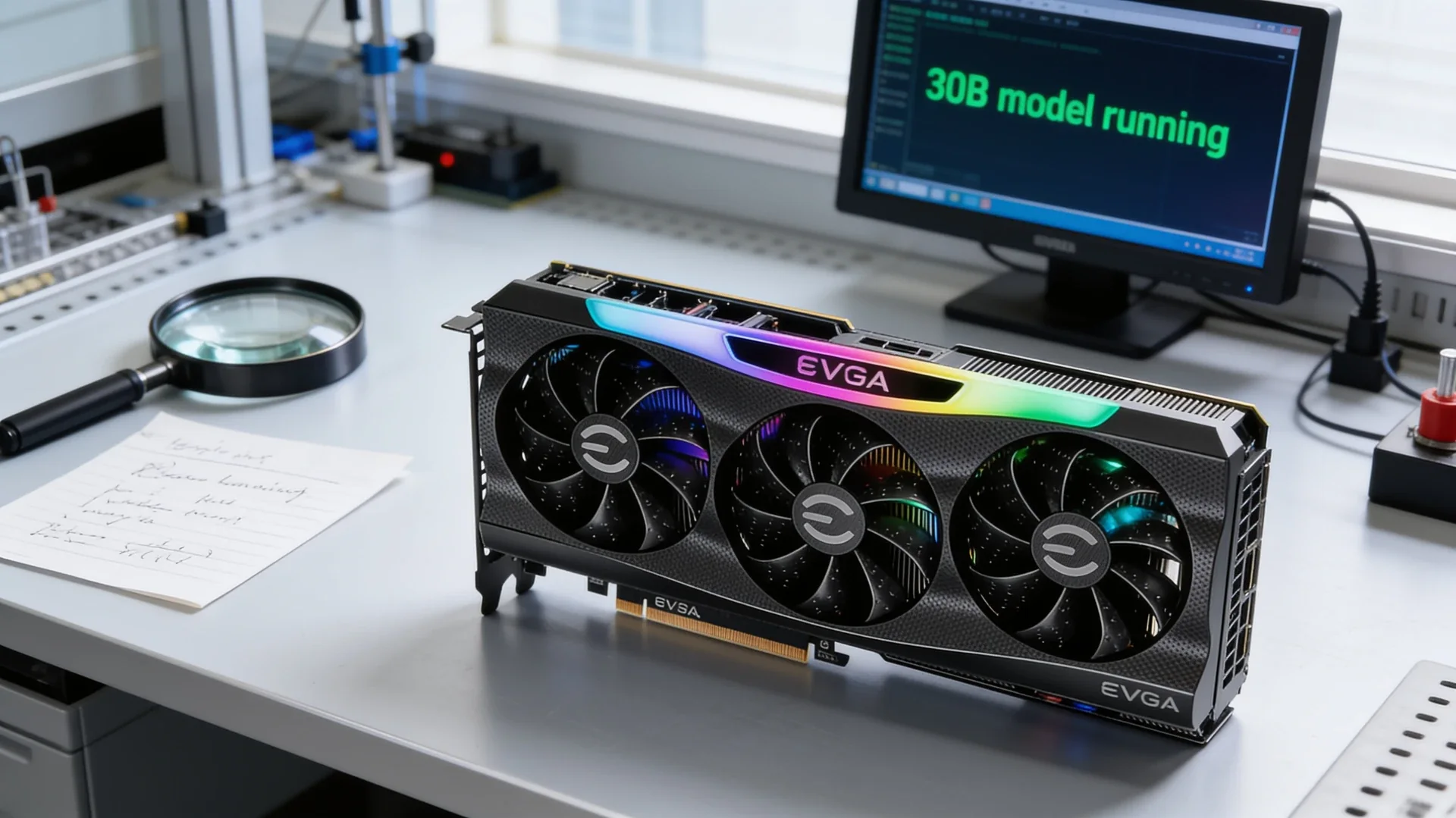
Current product picks
These are current Amazon listings for the GPUs discussed in this guide. Amazon pricing can move faster than the market, especially for discontinued and halo cards.
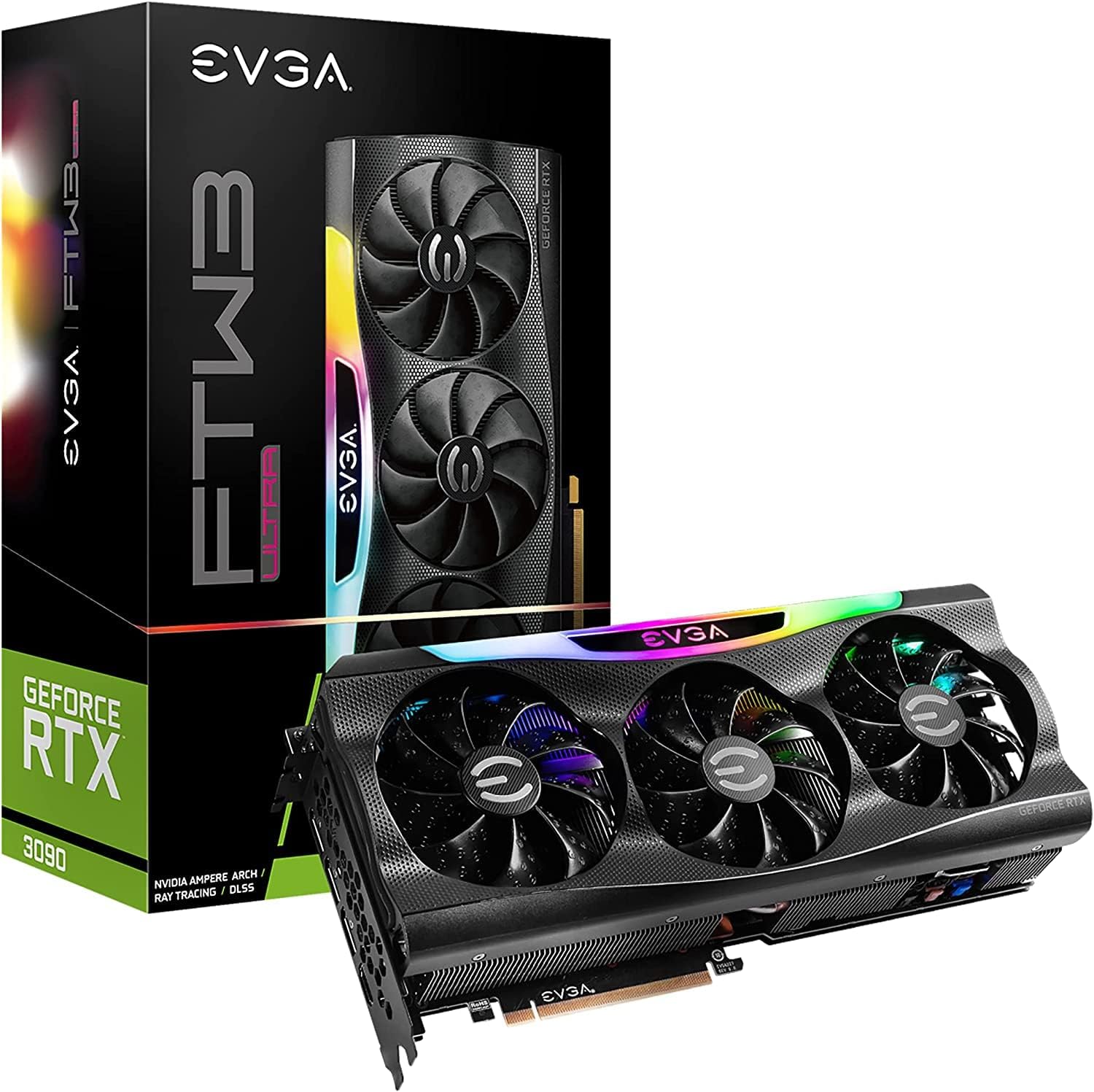
EVGA GeForce RTX 3090 FTW3 Ultra Gaming (Renewed)
Amazon-backed renewed listing with return coverage — priced above private used-market deals, but lower risk than a marketplace stranger.
- VRAM
- 24GB GDDR6X
- Current listing
- ~$1,500
This article contains affiliate links. We may earn a small commission at no extra cost to you. All recommendations are based on our own research.
Quick answer
A used RTX 3090 gives you 24GB of CUDA-capable VRAM, but value depends on the exact offer. The Amazon-renewed listing linked here was roughly $1,500–1,700 when checked 2026-07-11. Compare live private-market offers, inspect the card, and require return terms before treating any 3090 as a bargain.
The RTX 3090 is the recommendation that keeps surfacing in every local AI community, and the reason is simple: 24GB of VRAM lets you run 30B-class models comfortably and 70B models with aggressive quantization, and the used market puts that capacity at well under half the price of a new 24GB card. The catch is that you are buying used hardware, often from miners, so the buying process matters as much as the card. This guide covers what to pay, how to inspect one, and when a 3090 is the wrong call.
If you are still deciding how much VRAM you need, start with the VRAM requirements guide; if you want the broader field, see the best GPU for local LLMs guide.
Why the 3090 Still Wins on Value
- 24GB of GDDR6X — the same capacity tier as the RTX 4090. Whether it is better value depends on the live price and condition; 24GB is the comfortable zone for 30B-class inference.
- ~70–80% of RTX 4090 token speed — in practice, responses take about 3 seconds instead of 2 for interactive chat and coding. Barely noticeable day to day.
- NVLink — the 3090 is the last consumer GeForce card with NVLink. Two cards expose 48GB of aggregate VRAM only to software that shards the model; NVLink speeds communication but does not merge them into one transparent 48GB device.
- 350W TDP — higher than modern mid-range cards, so factor power into an always-on rig. Run the numbers in the electricity cost calculator.
What You Should Pay
| Source | Typical price | Risk | Best for |
|---|---|---|---|
| Private marketplace (local pickup) | Check current sold listings | Higher — no warranty | Buyers who can test on the spot |
| Online used marketplace | Check current sold listings | Medium — return window varies | Buyers who can verify seller and returns |
| Amazon renewed listing | ~$1,500–1,700 checked 2026-07-11 | Lower — return coverage | Buyers who prioritize protection |
Prices move, so treat these as planning bands rather than fixed truth. The premium for a renewed Amazon listing buys you a return path; a private deal at $650 with no recourse is only a deal if the card is healthy.
Renewed listing, buyer protection
EVGA GeForce RTX 3090 FTW3 Ultra Gaming (Renewed)
24GB GDDR6X. The FTW3 Ultra is a strong-cooled, three-fan variant. A renewed Amazon listing costs more than a private used deal, but you get a return path instead of trusting a stranger.
View Amazon renewed listingHow to Inspect a Used 3090
Mining wear is the main concern, but a card run hard at steady temperatures is often healthier than one heat-cycled by gaming. Check these before you commit:
- Ask about history. Mining vs gaming, how long, and whether the thermal pads or paste were replaced. A seller who repasted a mining card is a good sign.
- Inspect photos (or the card) for damage. Look at the PCB for burn marks near the power connector, bent fins, and fan condition. Sagging is cosmetic; scorching is not.
- Test on arrival, immediately. Run a GPU stress test and watch temperatures. Memory junction temps that spike past ~100–105°C under load point to dried-out thermal pads — a known 3090 weak point that is fixable but worth knowing.
- Run a real inference load. Load a 30B model at Q4 and generate for a few minutes. Watch for artifacts, crashes, or throttling. This is the test that matters for your use case.
- Confirm the return window. Whatever the source, know exactly how many days you have to send it back if memory errors show up.
A low price is not a bargain if the card has memory errors or no return path. If you cannot test before buying and the seller offers no returns, walk away.
Single Card vs Dual 3090 (NVLink)
A single 3090’s 24GB handles up to 30–34B models comfortably and 70B only at aggressive quantization. Two 3090s expose 48GB of aggregate VRAM to runtimes that support tensor or layer sharding. The NVLink bridge can improve inter-GPU transfers, but software still has to split the model; the cards do not appear as one transparent 48GB GPU. Budget for two suitable PCIe slots, a 1000W+ power supply, and airflow for two 350W cards.
Who Should Skip the 3090
- You only run 7B–14B models. A new RTX 5060 Ti 16GB is cheaper, far lower power, current-gen, and plenty for that tier.
- You want low power draw for an always-on server. 350W is a lot to leave running 24/7. A 150W modern card costs much less to run.
- You cannot inspect or return the card. The value disappears if you inherit someone else’s dead memory.
- You want a warranty and zero hassle. Buy new in the 16–24GB tier instead.
What To Do Next
- Confirm your model tier needs 24GB: VRAM requirements guide and the VRAM calculator.
- Compare against new 24GB options in the best GPU for local LLMs guide.
- Estimate running cost before committing: electricity cost calculator.
- Pick a reasoning model to run on all that VRAM: how to run DeepSeek R1 locally.
Common Mistakes
- Not testing memory-junction temperatures on arrival. Dried-out thermal pads are a known 3090 issue; check temps under load before the return window closes.
- Buying with no return option. A marketplace deal with no recourse is only a deal if the card is healthy — insist on a return path.
- Overpaying for a renewed listing when a private deal is far cheaper — or chasing the cheapest private deal with no protection. Match price to the risk you accept.
- Underspecifying the PSU. A 350W 3090 (or two via NVLink) needs real headroom and good airflow — do not cheap out here.
Frequently Asked Questions
Is a used RTX 3090 good for local AI in 2026?
Its 24GB of VRAM runs 30B-class models comfortably, but value depends on the exact offer. Compare current 24GB alternatives, 350W power draw, condition, and return terms before buying.
How much should I pay for a used RTX 3090?
Use live sold listings and condition, not an old universal price band. The Amazon-renewed listing linked here was roughly $1,500–1,700 when checked 2026-07-11; private offers may be lower but need inspection and credible return terms.
RTX 3090 or RTX 4090 for local AI?
Both have 24GB and run the same model tiers. The 4090 is about 20–30% faster but costs roughly twice as much. For VRAM-per-dollar the used 3090 wins; for raw speed and a warranty, the 4090 is better.
Can two RTX 3090s be combined for more VRAM?
Two 24GB cards provide 48GB of aggregate capacity only when the runtime shards the model across GPUs. NVLink improves inter-GPU bandwidth, but it does not create one transparent 48GB VRAM device or remove the need for software splitting.
Are mining cards safe to buy?
Often, yes. A card run continuously at steady temperatures can be healthier than one repeatedly heat-cycled by gaming. The key is to inspect it, test memory temperatures on arrival, and buy only with a return option.
Last updated: May 2026. Product details verified against the live Amazon listing at time of publication; used-market prices are planning estimates and move with supply. Specs cross-referenced with the NVIDIA RTX 3090 reference design.