Used RTX 3090 vs New RX 7900 XTX for Local AI: The Cheapest 24GB in 2026
The used RTX 3090 lost its value crown. At about $1,600 used vs about $1,400 new, the RX 7900 XTX is now the cheapest way to 24GB of VRAM — if you can live without CUDA. Here is the honest tradeoff.
📋 This article contains affiliate links. We may earn a small commission at no extra cost to you.
Current product picks
These are current Amazon listings for the GPUs discussed in this guide. Amazon pricing can move faster than the market, especially for discontinued and halo cards.
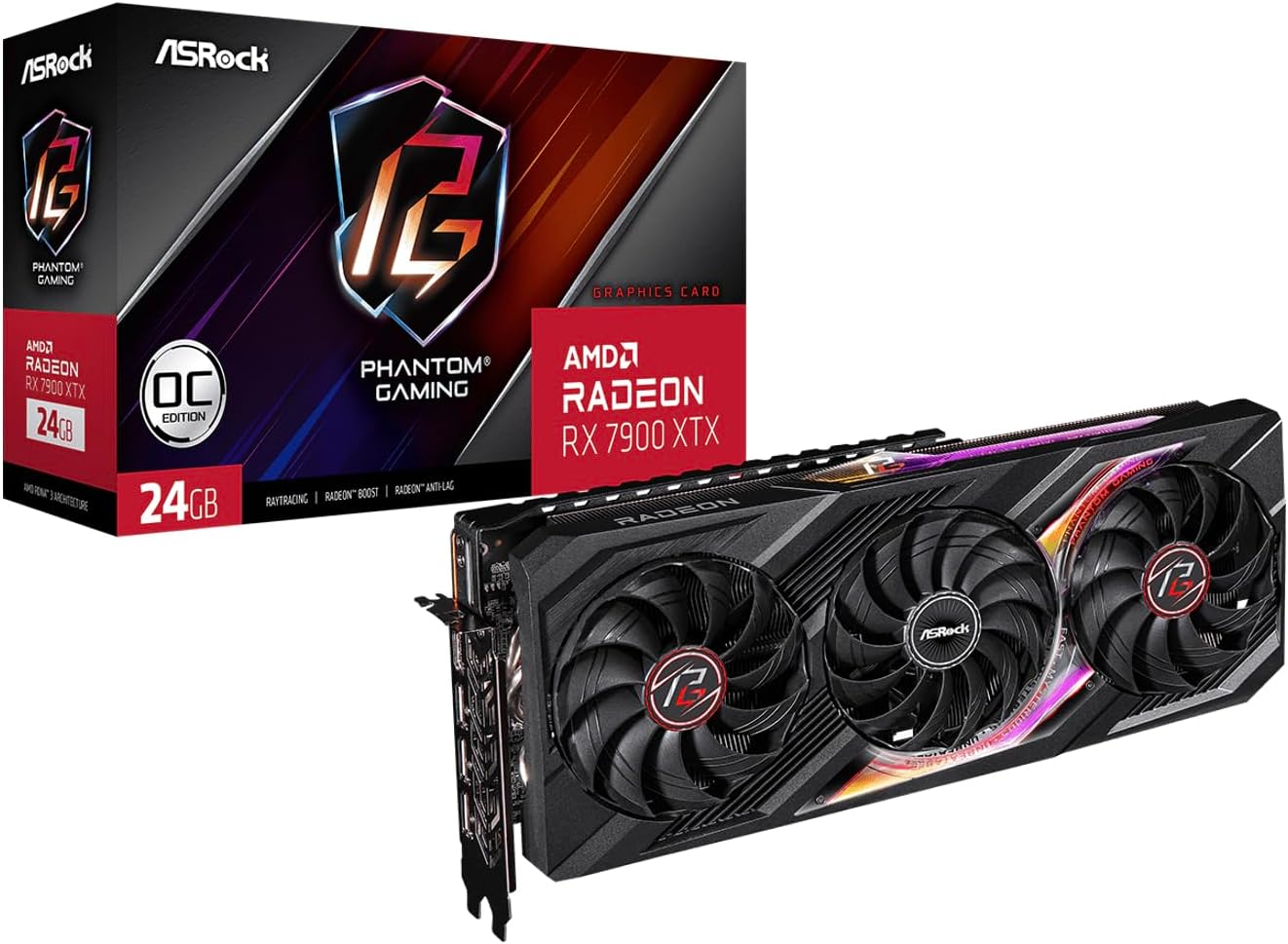
ASRock Phantom Gaming Radeon RX 7900 XTX 24GB
The lowest-cost path to 24GB of VRAM if your stack runs on ROCm.
- VRAM
- 24GB GDDR6
- Current listing
- ~$1,350-1,450
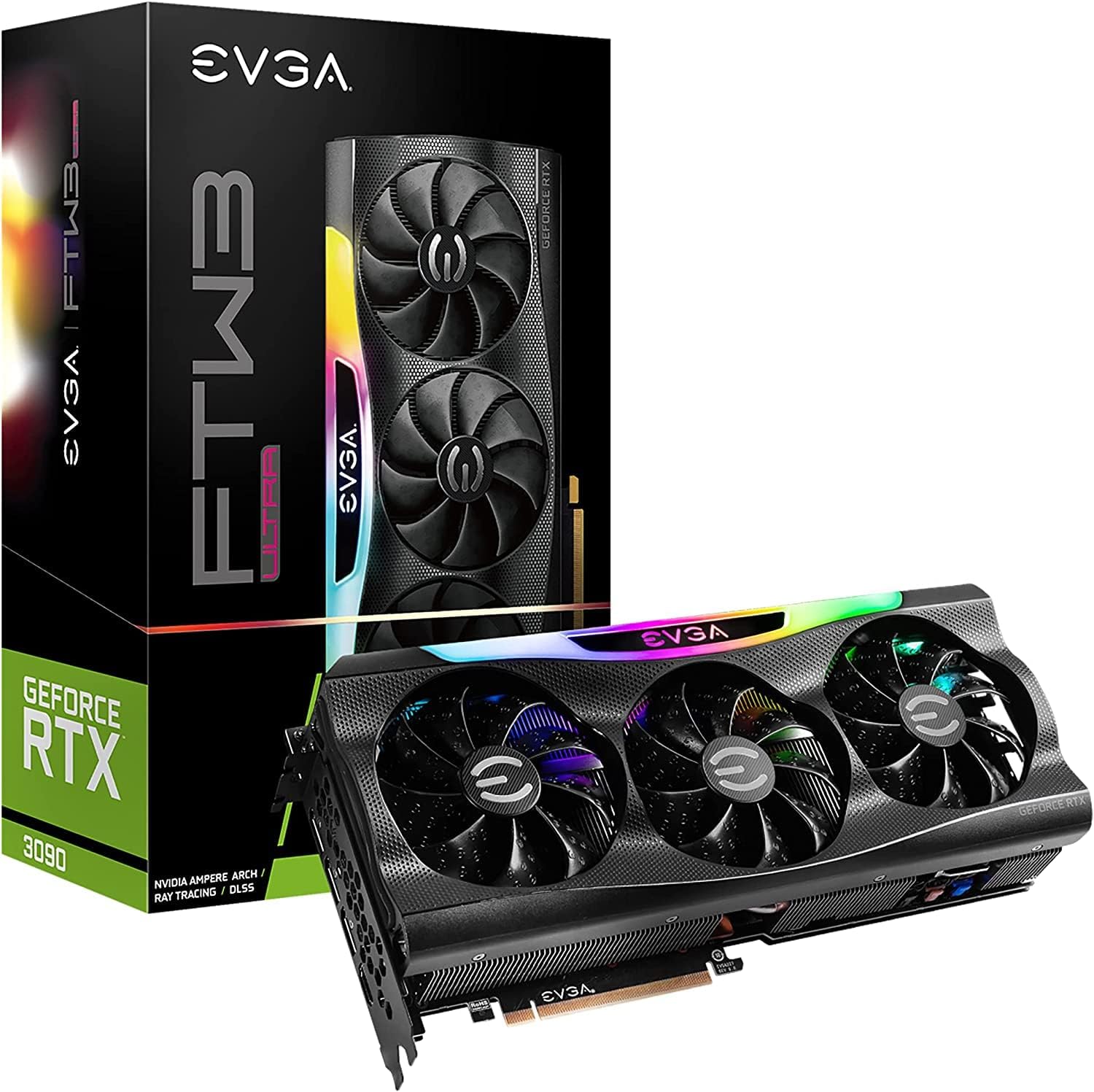
EVGA GeForce RTX 3090 FTW3 Ultra Gaming (Renewed)
Still the value pick when your workflow needs CUDA, despite the higher price.
- VRAM
- 24GB GDDR6X
- Current listing
- ~$1,500-1,700
This post contains affiliate links. We may earn a small commission at no extra cost to you. Recommendations are based on verified specifications, sourced performance context, and prices checked on 2026-07-09.
Quick answer
The used RTX 3090 is no longer the cheapest way to 24GB of VRAM. At about $1,600 renewed it costs roughly $66 per GB, while a new RX 7900 XTX at about $1,400 is roughly $58 per GB. Buy the 3090 only if you need CUDA; buy the 7900 XTX if you can run ROCm and want the lowest price to 24GB.
For two years the answer to “cheapest way to 24GB of VRAM for local AI” was one word: a used RTX 3090. That is no longer true, and the change is recent enough that most buyer’s guides still have it wrong. Prices moved, and the card that used to win on value now loses to a new AMD card — unless one specific thing matters to you.
This is a narrow, honest comparison of the two realistic ways to put 24GB of VRAM in a machine today, using prices checked on 2026-07-09. If you only need the number, the answer block above has it. If you want to know why, and which one is right for your setup, read on. To rank these against every other card at your own budget, use the GPU Value Finder.
Why VRAM per dollar is the number that matters
For running models locally, the single constraint that decides what you can do is VRAM. A model that fits in GPU memory runs fast; one that spills into system RAM slows down by 10–50×. So for a fixed budget, the card that gives you the most VRAM per dollar lets you run the largest models — which is why ”$/GB of VRAM” is the metric that actually changes buying decisions, not raw benchmark speed.
Both cards here have the same 24GB of VRAM, which is the sweet spot that unlocks 30B-class models at 4-bit quantization. So the comparison comes down to price, software, and risk — in that order.
The prices flipped
Here is the current picture for the two 24GB options, checked 2026-07-09:
| Card | Condition | Price | VRAM | $/GB VRAM |
|---|---|---|---|---|
| RX 7900 XTX | New | ~$1,400 | 24GB GDDR6 | ~$58/GB |
| RTX 3090 | Renewed / used | ~$1,600 | 24GB GDDR6X | ~$66/GB |
A year ago the used 3090 sold for roughly $800, which made it untouchable on value. Two things changed. Local AI builders discovered that a 24GB card is the entry point for serious model sizes, and that demand collided with a shrinking supply of clean used units after years of gaming and mining wear. Renewed 3090 listings climbed past $1,500. Meanwhile the RX 7900 XTX, a new card with a warranty, settled below it.
Prices are not stable truth. GPU pricing moves week to week — the two figures above are a dated snapshot, not a permanent ranking. That is exactly why the GPU Value Finder ranks by the most recently reviewed price rather than a frozen tier list, and why you should confirm the live listing price before buying.
The one thing that still saves the 3090: CUDA
If the 7900 XTX is cheaper per GB, why would anyone buy the 3090? One reason, and it is a big one: CUDA.
Almost the entire local AI stack was built against NVIDIA’s CUDA first. Ollama, llama.cpp, most Stable Diffusion front-ends, and nearly every “just works” tutorial assume an NVIDIA card. On a 3090 you install a driver and start running models.
The RX 7900 XTX runs the same workloads through ROCm, AMD’s compute stack. For inference on Linux with llama.cpp or Ollama, ROCm is genuinely solid today. But it is less forgiving:
- Windows support is weaker. ROCm’s best path is Linux. If you are a Windows-only user, the 3090 avoids a category of headaches.
- The edges are rougher. Some newer model formats, quantization kernels, and image/video tools land on CUDA first and ROCm later — or need manual setup.
- You will occasionally be the one debugging. CUDA problems have a thousand forum answers; ROCm problems sometimes have three.
None of this makes the 7900 XTX a bad inference card. It has 24GB and strong memory bandwidth, and for a Linux user running text models it is a legitimately good buy. It means the CUDA premium on the 3090 is real, not imaginary — you are paying roughly $200 more for a smoother software path.
On raw speed, they are closer than the price gap suggests
Speed is the tiebreaker, not the headline, because both cards clear the bar for local inference. Community benchmarking from Hardware Corner puts the RTX 3090 around 87 tokens/sec on an 8B model at 16K context — close to a much newer RTX 5070 Ti — thanks to its wide 384-bit bus and roughly 936 GB/s of memory bandwidth. The 7900 XTX is competitive for text generation on ROCm, though prompt-processing and some workloads still favor the NVIDIA path.
We do not publish first-party benchmark numbers for these two cards yet, so treat the figures above as sourced context, not our measurement. The benchmark dataset is where our own measured runs will land as it grows. For a buying decision at 24GB, the practical takeaway is simpler than any table: both are fast enough, so decide on price and software, not tokens per second.
Who should buy which
Buy the new RX 7900 XTX if:
- You run Linux, or you are willing to.
- Your workload is mainly local LLM inference with llama.cpp or Ollama.
- You want the lowest price to 24GB and a warranty on a new card.
Buy the renewed RTX 3090 if:
- You need CUDA — for Windows, for image/video generation tools, or for anything that assumes NVIDIA.
- You value the deepest pool of tutorials and forum answers when something breaks.
- You can find a genuinely clean unit (see the mistakes below).
Not sure 24GB is even your tier? Work out the memory you actually need first with the VRAM calculator or the full VRAM requirements guide, then come back to pick the card. For the broader field beyond these two, the best GPU for local LLMs guide covers every tier.
Common mistakes when buying a used 3090
The used-market risk is the 3090’s real downside, and it is easy to get wrong:
- Buying a mining card with no returns. Heavy 24/7 mining use means more thermal cycling and possible fan or VRAM wear. A no-returns listing is a gamble. Prefer a renewed unit or a seller with a real return window, and run the full used-GPU buying checklist before you commit.
- Skipping the VRAM stress test. On arrival, load a large model that nearly fills 24GB and run it for a while. Memory faults show up under load, not at idle.
- Forgetting the power and case cost. The 3090 draws up to 350W and is physically large. Budget for a strong PSU and airflow — a cheap card in a starved case is a false economy. Estimate the running cost with the electricity cost calculator.
The bottom line
The used RTX 3090 didn’t get worse — the market moved, and a new AMD card quietly became the cheaper route to 24GB. If CUDA matters to you, the 3090 is still worth its premium. If it doesn’t, the RX 7900 XTX gives you the same VRAM for less. Rank both against your exact budget and model target in the GPU Value Finder, and confirm the live price before you buy — because the one thing this comparison guarantees is that the numbers will move again.
Frequently Asked Questions
Is a used RTX 3090 still the best value GPU for local AI in 2026?
Not on price alone. At a renewed price of about $1,600, it costs more per GB of VRAM than a new RX 7900 XTX at about $1,400. The 3090 is still the value pick if you specifically need CUDA, which most Windows and out-of-the-box tooling assumes.
Why did the used RTX 3090 get more expensive?
Sustained demand for cheap 24GB cards from local AI builders, plus fewer clean used units after years of mining and gaming use, pushed renewed listings well above the roughly $800 street price the card sold for a year ago.
Is the RX 7900 XTX good for local LLMs?
Yes for inference, with a caveat. It has 24GB of VRAM and strong memory bandwidth, and llama.cpp and Ollama run on it through ROCm. The catch is software maturity: ROCm on Linux is solid but less forgiving than CUDA, and Windows support is weaker.
What about a used 3090 that was used for mining?
Mined cards can be fine but carry more risk: heavy thermal cycling and possible fan or memory wear. Buy renewed or from a seller with a real return window, stress-test the VRAM on arrival, and treat any listing with no returns as a gamble.