Best GPU for Stable Diffusion & AI Image Generation (2026)
The best GPUs for Stable Diffusion, SDXL, and FLUX in 2026 by VRAM tier — what runs SDXL, what you need for FLUX, and the value picks, with honest pricing.
📋 This article contains affiliate links. We may earn a small commission at no extra cost to you.
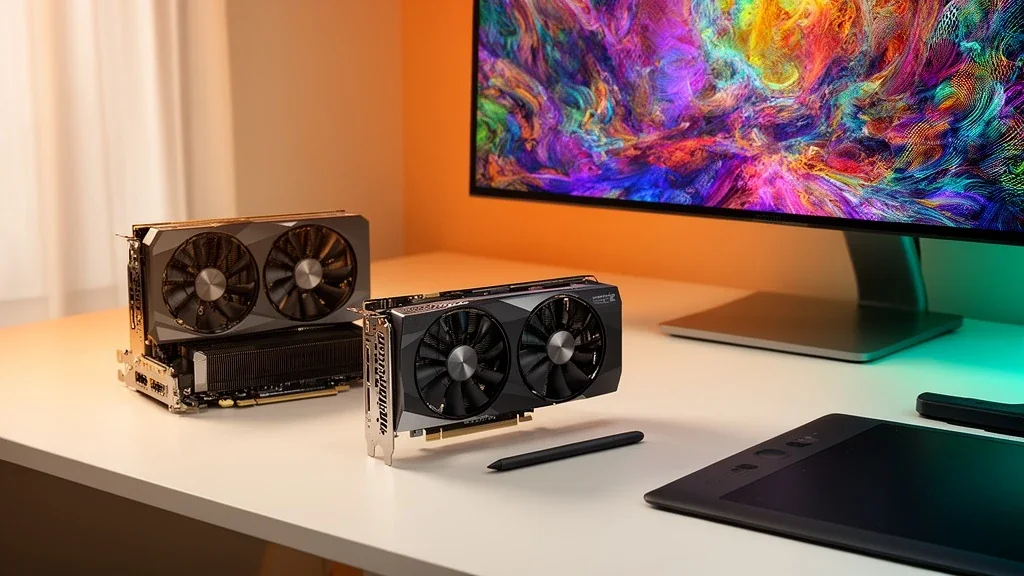
Current product picks
These are current Amazon listings for the GPUs discussed in this guide. Amazon pricing can move faster than the market, especially for discontinued and halo cards.
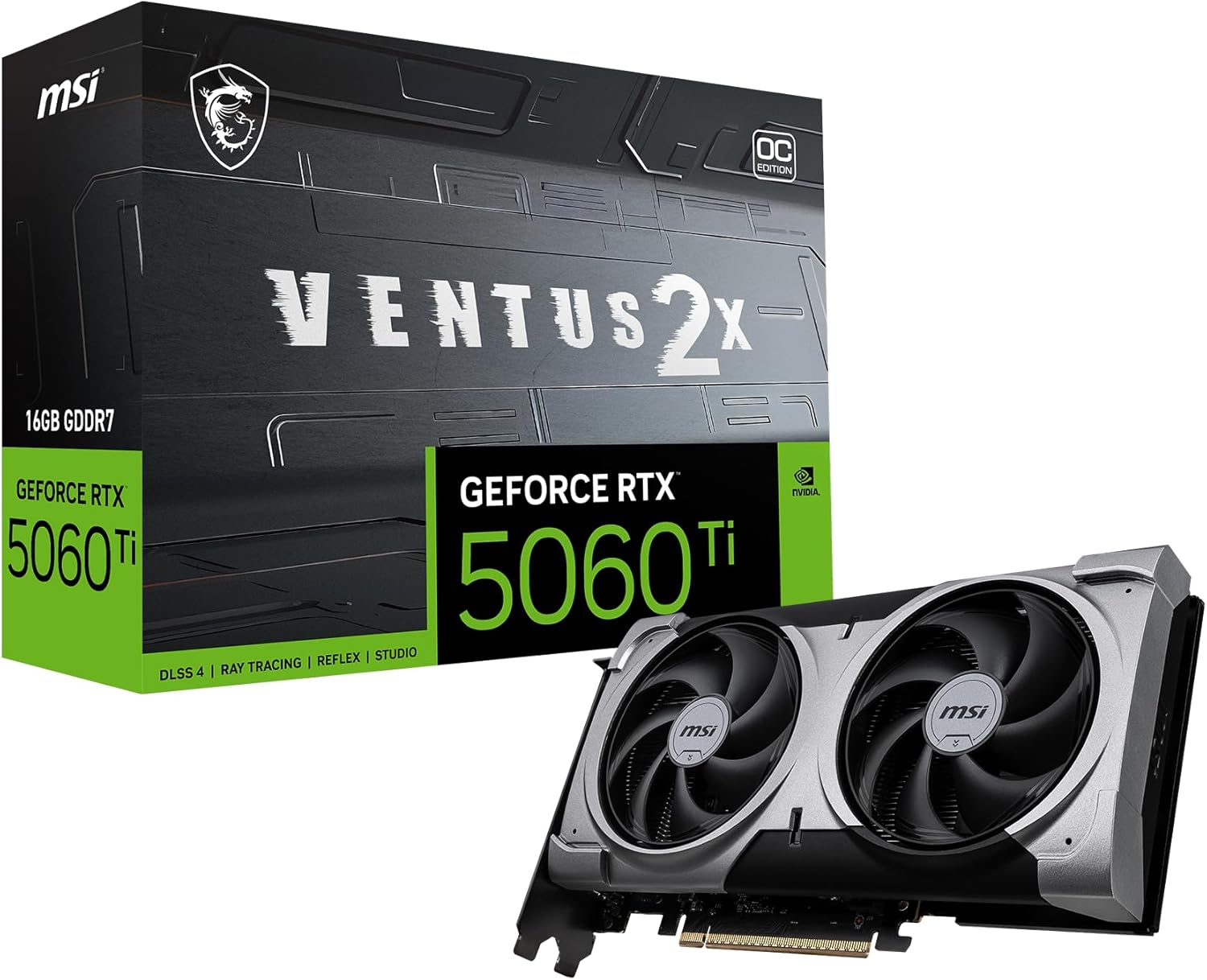
MSI RTX 5060 Ti 16G Ventus 2X OC Plus
16GB at low power for SDXL and FLUX FP8, but this exact linked SKU was out of stock when checked 2026-07-11.
- VRAM
- 16GB GDDR7
- Current listing
- Out of stock (checked 2026-07-11)
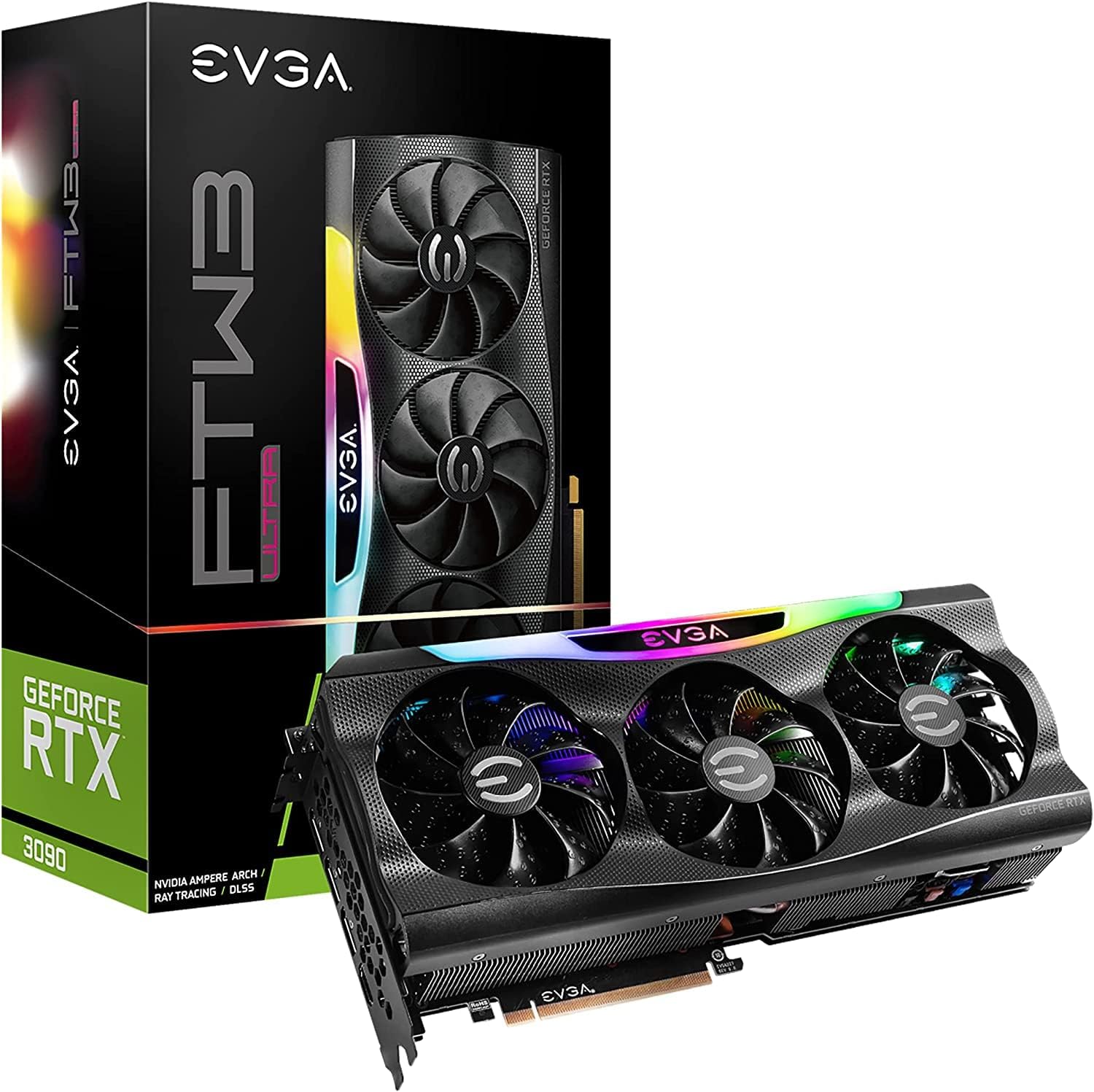
EVGA GeForce RTX 3090 FTW3 Ultra Gaming (Renewed)
24GB runs FLUX at full quality and heavy workflows. The linked renewed range was roughly $1,500-1,700 when checked 2026-07-11.
- VRAM
- 24GB GDDR6X
- Current listing
- ~$1,500-1,700 used
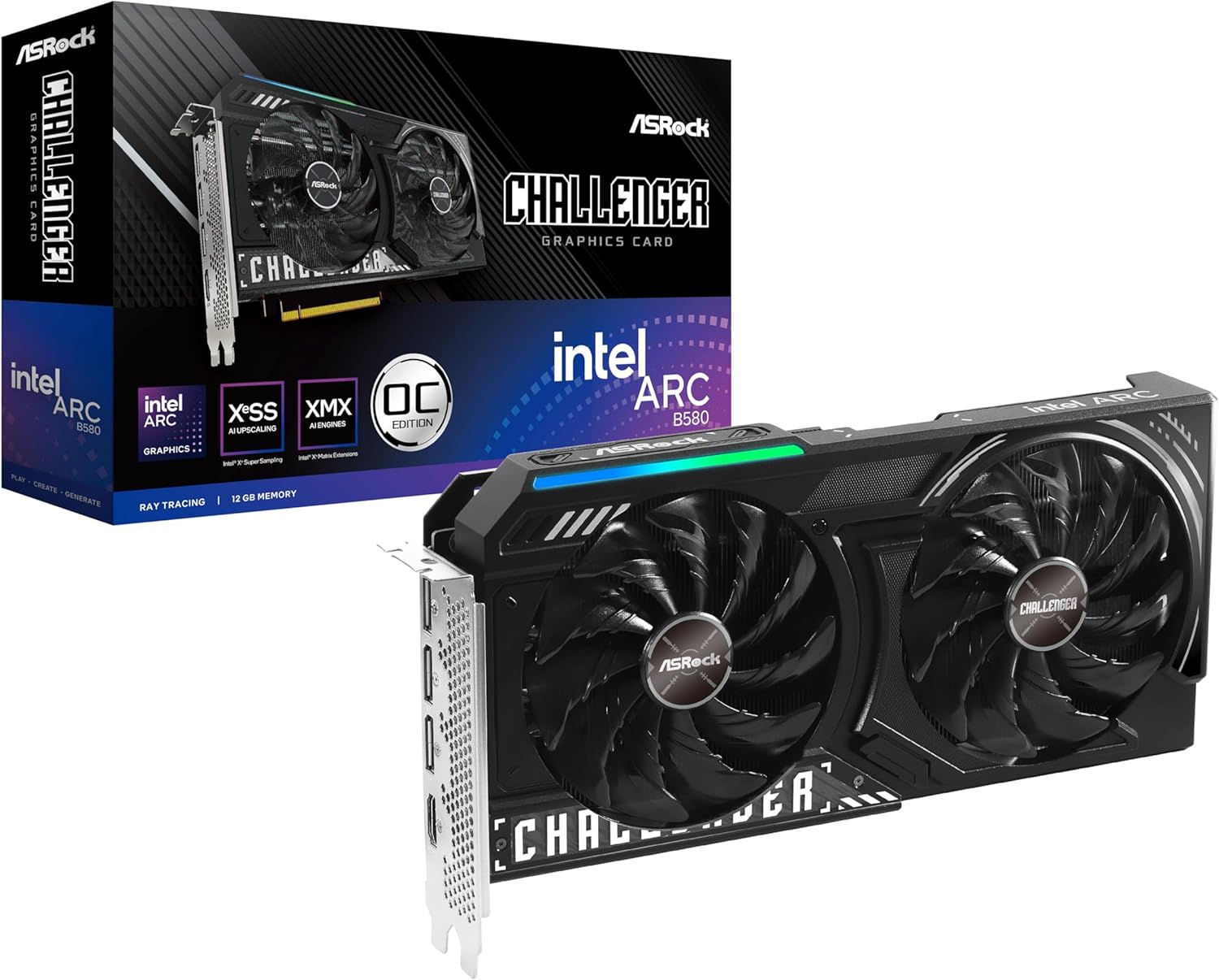
ASRock Intel Arc B580 Challenger 12GB OC
12GB at low cost — meets the floor for SDXL. Expect more setup than NVIDIA for image tools.
- VRAM
- 12GB GDDR6
- Current listing
- ~$249-309
This article contains affiliate links. We may earn a small commission at no extra cost to you. VRAM figures reference current image-generation tooling.
Quick answer
For local image generation, VRAM is the gate: 12GB is the floor and 24GB is the target. The RTX 5060 Ti 16GB runs SDXL comfortably and FLUX in FP8. For FLUX at full quality, compare the exact 24GB listings: the renewed RTX 3090 offers CUDA, while AMD may cost less if ROCm works for your workflow.
Image generation is hungrier for VRAM than chat models, and the model you want to run decides the card you need. This guide ranks the best GPUs for Stable Diffusion, SDXL, and FLUX by what they actually run, with verified memory targets and honest pricing.
For the software side — Forge, ComfyUI, and model setup — see how to run Stable Diffusion locally. To confirm your card against a model, use the VRAM requirements guide.
Quick Answer — Top Picks
| GPU | VRAM | Best for | Price context |
|---|---|---|---|
| RTX 5060 Ti 16GB | 16GB | SDXL + FLUX (FP8) | Exact SKU out of stock 2026-07-11 |
| RTX 3090 renewed | 24GB | FLUX at full quality with CUDA | ~$1,500–1,700 renewed |
| RTX 5070 Ti | 16GB | Fastest new 16GB | ~$749 MSRP (listings higher) |
| Intel Arc B580 | 12GB | Budget — SDXL floor | ~$249–309 |
Why VRAM Decides It
Image models load their weights into VRAM like LLMs do, and the recent models are large. Verified targets for 2026:
- SD 1.5: 4–5GB — runs on almost anything.
- SDXL: comfortable on 8GB with an efficient UI like Forge; 12GB is relaxed.
- SD 3.5: ~12GB at FP8.
- FLUX.1 Dev: ~12GB at FP8, or 24GB for full BF16 quality.
So the rule is simple: 12GB is the floor for the models released in the last 18 months, and 24GB is the target if you want FLUX at full quality or heavy multi-step workflows. More VRAM also means higher resolutions and more concurrent work without out-of-memory errors.
NVIDIA is the lower-friction choice for image generation — the Stable Diffusion / ComfyUI ecosystem is CUDA-first. AMD works (via ROCm on Linux) but with more setup; see NVIDIA vs AMD for local AI.
1. RTX 5060 Ti 16GB — Best Value
VRAM: 16GB GDDR7 | Availability: exact SKU out of stock 2026-07-11 | TDP: ~150W
The 16GB RTX 5060 Ti tier is a strong fit for local image generation: 16GB comfortably handles SDXL and runs FLUX in FP8 at a low ~150W draw. The exact linked MSI SKU was out of stock on 2026-07-11, so verify another 16GB listing rather than treating this CTA as available inventory.
Best value for image generation
MSI RTX 5060 Ti 16G Ventus 2X OC Plus
16GB GDDR7 at ~150W — SDXL comfortably and FLUX in FP8. The mainstream pick. Full breakdown in our RTX 5060 Ti review.
View Amazon listing2. Used RTX 3090 — Best for FLUX at Full Quality
VRAM: 24GB GDDR6X | Renewed listing: ~$1,500–1,700 | TDP: 350W
If you want FLUX.1 Dev at full BF16 quality, higher resolutions, or complex ComfyUI workflows without juggling memory, you want 24GB. The RTX 3090 provides that capacity with CUDA, but the linked renewed listing is not automatically the cheapest 24GB route. Compare it with new 24GB AMD pricing if ROCm works for your software. The tradeoffs are 350W power and renewed/used condition (see the used RTX 3090 buying guide).
Best 24GB for FLUX
EVGA GeForce RTX 3090 FTW3 Ultra (Renewed)
24GB GDDR6X and CUDA for FLUX at full quality. The linked renewed range was roughly $1,500-1,700 when checked 2026-07-11; compare it with current AMD pricing. See the used RTX 3090 review.
View Amazon listing3. RTX 5070 Ti — Fastest New 16GB
VRAM: 16GB GDDR7 | MSRP: ~$749 | TDP: 300W
If you want a new card and the fastest 16GB option, the RTX 5070 Ti is it — Blackwell, fast GDDR7, and quick generation for SDXL and FLUX FP8. The catch is price: it is excellent at its $749 MSRP but often lists above $1,000, which makes the 5060 Ti the better value unless you can buy near MSRP. (Full breakdown in our RTX 5070 Ti review.)
4. Intel Arc B580 — Budget Entry
VRAM: 12GB GDDR6 | Price: ~$249–309 | TDP: 150W
On a tight budget, a 12GB card meets the SDXL floor. The Intel Arc B580 is the cheapest new 12GB option; a used RTX 3060 12GB is the other common pick and has smoother CUDA support for image tools. Expect more setup with Arc, and treat 12GB as entry-level — fine for SDXL, tight for FLUX.
Budget — meets the SDXL floor
ASRock Intel Arc B580 Challenger 12GB OC
12GB at the lowest cost for SDXL. For the smoothest budget image-gen path, a used RTX 3060 12GB (CUDA) is the alternative.
View Amazon listingCommon Mistakes
- Buying an 8GB card for image generation. 8GB runs SD 1.5 and SDXL (optimized), but the recent models want 12GB+. Treat 12GB as the floor.
- Expecting FLUX at full quality on 12GB. FLUX.1 Dev in BF16 wants 24GB; on 12GB use the FP8 version or step up the card.
- Choosing AMD without expecting setup friction. Image tools are CUDA-first; AMD works on Linux via ROCm but with more effort. NVIDIA is the lower-hassle choice here.
- Overpaying for the 5070 Ti above MSRP when the 16GB 5060 Ti covers the same models for much less.
Who Should Buy What
- Most people: RTX 5060 Ti 16GB — SDXL and FLUX FP8 at low power and cost.
- FLUX at full quality / heavy workflows: used RTX 3090 (24GB).
- Fastest new 16GB, near MSRP: RTX 5070 Ti.
- Tight budget: Intel Arc B580 12GB (or a used RTX 3060 12GB for smoother CUDA).
Frequently Asked Questions
How much VRAM do I need for Stable Diffusion?
SD 1.5 needs 4–5GB and SDXL is comfortable on 8GB with an efficient UI. The newer models want more: SD 3.5 and FLUX fit ~12GB at FP8, and FLUX at full BF16 quality wants 24GB. Treat 12GB as the floor and 24GB as the target.
What is the best GPU for Stable Diffusion in 2026?
For most people, a currently available 16GB CUDA card is enough for SDXL and FLUX in FP8; the exact RTX 5060 Ti SKU linked here was out of stock on 2026-07-11. For FLUX at full quality, compare current 24GB NVIDIA and AMD listings rather than assuming the renewed RTX 3090 is cheapest.
What GPU do I need for FLUX?
FLUX.1 Dev runs in FP8 on about 12GB, but for full BF16 quality you want 24GB — a used RTX 3090 is the value pick, or an RTX 5090 (32GB) for the most headroom.
Can I use an AMD GPU for Stable Diffusion?
Yes, on Linux via ROCm, but with more setup than NVIDIA — the image-generation ecosystem is CUDA-first. For the smoothest experience, an NVIDIA card is the recommended choice.
Is 16GB enough for AI image generation?
Yes for almost everything: SDXL comfortably and FLUX in FP8. 16GB is the value sweet spot. You only need 24GB for FLUX at full BF16 quality, very high resolutions, or heavy multi-model workflows.
Last updated: June 2026. VRAM targets reference current image-generation tooling (Forge, ComfyUI) and our VRAM requirements guide; prices reflect street and current Amazon listing context. We do not publish invented benchmarks.