NVIDIA vs AMD for Local AI (2026)
NVIDIA vs AMD for local LLMs in 2026: CUDA vs ROCm maturity, real performance, the RX 7900 XTX value case, and who should actually choose AMD.
📋 This article contains affiliate links. We may earn a small commission at no extra cost to you.
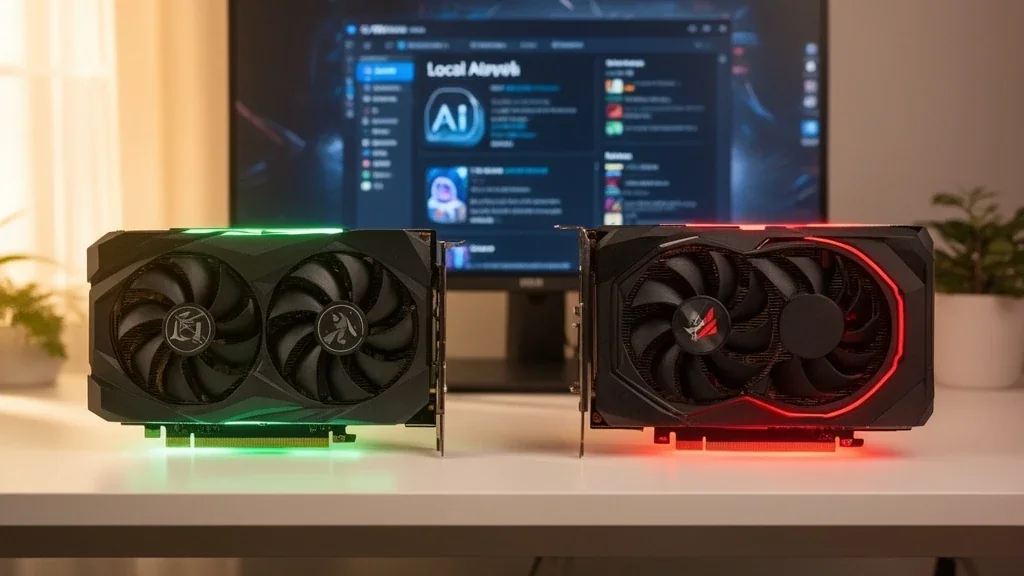
Current product picks
These are current Amazon listings for the GPUs discussed in this guide. Amazon pricing can move faster than the market, especially for discontinued and halo cards.
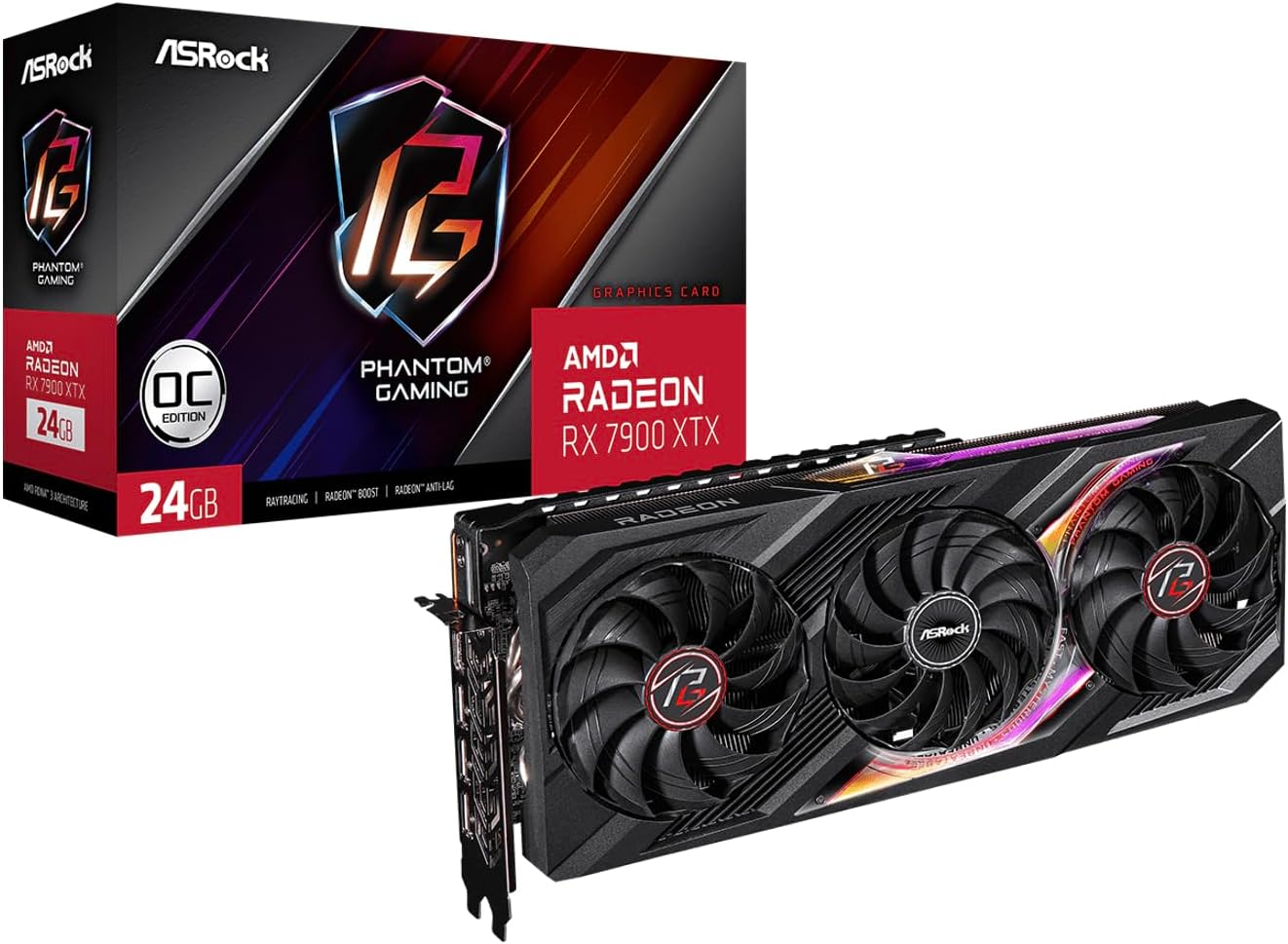
ASRock Phantom Gaming Radeon RX 7900 XTX 24GB
Best AMD value for local inference: 24GB for well under NVIDIA 24GB pricing, if you run Linux and can accept some ROCm setup friction. Amazon listings run above street.
- VRAM
- 24GB GDDR6
- Current listing
- ~$1,350-1,450
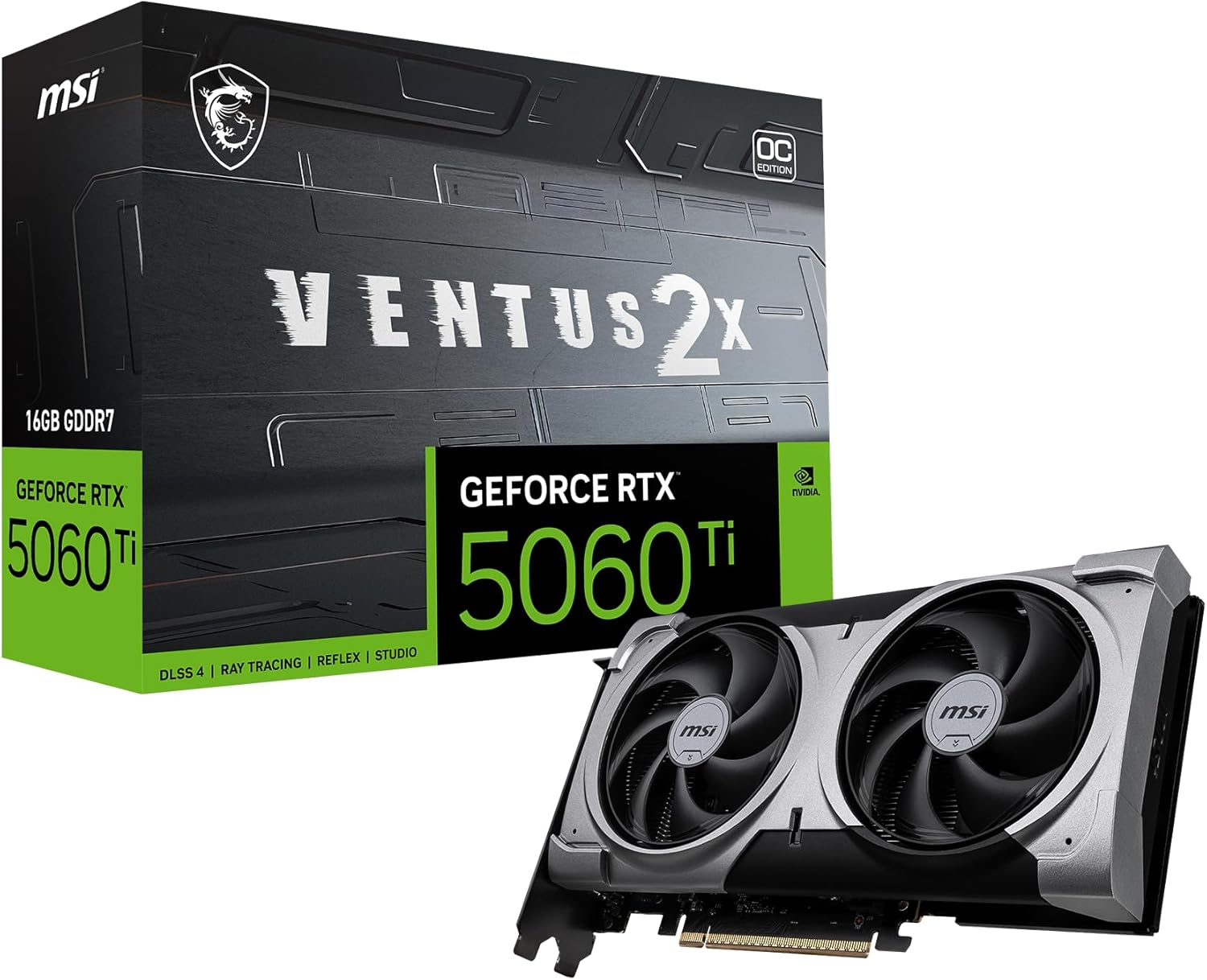
MSI RTX 5060 Ti 16G Ventus 2X OC Plus
The safe NVIDIA 16GB tier, but this exact linked SKU was out of stock when checked 2026-07-11.
- VRAM
- 16GB GDDR7
- Current listing
- Out of stock (checked 2026-07-11)
This article contains affiliate links. We may earn a small commission at no extra cost to you. Compatibility notes reflect the state of the software stack in 2026.
Quick answer
Choose NVIDIA if you want everything to just work — CUDA is the default for Ollama, LM Studio, llama.cpp, vLLM, and image/video tools, on Windows and Linux, with zero setup friction. Choose AMD if you run Linux, want more VRAM per dollar (the 24GB RX 7900 XTX is the value case), and can accept some ROCm setup work. ROCm has matured a lot in 2026, but CUDA is still the safer, more universal default for most people.
The NVIDIA-vs-AMD question for local AI is really a software question. The hardware is competitive; the difference is the maturity and reach of the stack that runs on it. Here is the honest 2026 picture, without the hype in either direction.
The Core Tradeoff: CUDA vs ROCm
CUDA (NVIDIA) is the default everything is built and tested against. Ollama, LM Studio, llama.cpp, vLLM, ComfyUI, and the image/video generation ecosystem all assume CUDA. It works on Windows and Linux with effectively no setup beyond installing a driver. This universality is the whole reason NVIDIA is the safe pick.
ROCm (AMD) is AMD’s CUDA alternative, and it has improved significantly in 2026. For pure GGUF inference, llama.cpp has a native HIP backend that performs well, and LM Studio and Ollama AMD support have come a long way. The remaining friction: setup is harder, Windows-native support still lags behind Linux, and some image-generation and training paths are less smooth than on CUDA.
The one-line version: for inference on Linux, AMD is genuinely viable now; for “I want zero hassle and everything supported,” NVIDIA still wins.
Performance: Closer Than the Reputation
On raw inference, AMD’s flagship is competitive. Community benchmarks put the RX 7900 XTX at roughly 75% of an RTX 4090’s token-generation speed on models like Llama 3.1 8B — at well under half the price, with the same 24GB of VRAM. For interactive chat and coding, that speed gap is barely noticeable; what you feel is the VRAM, and 24GB is 24GB on either brand.
Where NVIDIA pulls ahead is breadth: newer quantization formats, image/video tools, training, and anything cutting-edge land on CUDA first. If your workload is “run GGUF chat/coding models,” AMD keeps up. If it is “everything, including the newest tools,” NVIDIA is smoother.
The AMD Value Case
AMD’s appeal is VRAM per dollar:
- RX 7900 XTX (24GB): the value pick — 24GB of VRAM for less than NVIDIA charges for the same capacity, ideal for a Linux-first builder running 30B-class models. Accept ROCm setup and the occasional rough edge.
- RX 9070 XT (16GB, RDNA 4): AMD’s current-gen mid-range, around $649 and widely in stock — a reasonable 16GB option if you want a new AMD card and 16GB is enough for your models.
If you are not comfortable on Linux or troubleshooting drivers, those savings can evaporate into time spent fighting setup — which is exactly why NVIDIA remains the default recommendation for most readers.
Who Should Choose What
- Choose NVIDIA if you run Windows, want image/video generation, use the newest tools, or simply value zero setup friction. Start with the best GPU for local LLMs guide.
- Choose AMD if you run Linux, your workload is mostly GGUF inference, and you want maximum VRAM per dollar — the RX 7900 XTX is the pick. Budget time for ROCm setup.
- Either way, decide your VRAM target first with the VRAM requirements guide; the brand matters less than fitting your model in memory.
NVIDIA — zero friction
MSI RTX 5060 Ti 16G Ventus 2X OC Plus
The safe CUDA default: 16GB, low power, works everywhere with no setup. See the full review.
View Amazon listing
AMD — 24GB value
ASRock Phantom Gaming Radeon RX 7900 XTX 24GB
24GB for less, for Linux-first inference builders who accept ROCm setup. See the full review.
View Amazon listingCommon Mistakes
- Buying AMD on Windows expecting NVIDIA-level smoothness. ROCm is strongest on Linux; Windows-native support still lags. Match the brand to your OS.
- Choosing AMD for image/video generation. The Stable Diffusion / ComfyUI ecosystem is CUDA-first; AMD works but with more friction. NVIDIA is the lower-hassle choice there.
- Overvaluing the speed gap. For chat and coding, the difference between a 7900 XTX and a 4090 is small in practice — VRAM and software support matter more than peak tokens/sec.
Frequently Asked Questions
Is AMD good for local AI in 2026?
Yes, for inference on Linux. ROCm has matured, llama.cpp’s HIP backend performs well, and the 24GB RX 7900 XTX offers strong VRAM-per-dollar. AMD is less smooth for Windows users, image/video generation, and the newest tools, where CUDA still leads.
CUDA or ROCm — which should I pick?
CUDA if you want universal, zero-friction support across every major tool and OS. ROCm if you run Linux, focus on GGUF inference, and want AMD’s VRAM-per-dollar. CUDA remains the safer default for most people.
Is the RX 7900 XTX a good local AI GPU?
It is AMD’s best value for local inference: 24GB of VRAM at well under NVIDIA’s 24GB pricing, running popular models at roughly 75% of RTX 4090 speed. The tradeoffs are ROCm setup friction and weaker support for image/video and Windows.
Does AMD work with Ollama and LM Studio?
Yes — both have improved AMD support in 2026, and llama.cpp’s native HIP backend is the most reliable path. It works best on Linux; expect more setup than the plug-and-play NVIDIA experience.
Will I lose performance choosing AMD over NVIDIA?
For GGUF chat and coding inference, only a little — community benchmarks show the 7900 XTX around 75% of a 4090’s speed, which is hard to feel interactively. You lose more in software breadth (newest tools, image/video, Windows) than in raw speed.
Last updated: May 2026. Compatibility and performance reflect the 2026 software stack; throughput figures reference community benchmarks, not invented numbers. Pricing reflects street and current Amazon listing context, which runs above street for some cards.