Mac Mini M4 for Local AI Review
A practical review of the Mac Mini M4 for local LLMs: how Apple's unified memory works for AI, real tokens-per-second, the memory-tier decision, and the limits.
This article contains affiliate links. We may earn a small commission at no extra cost to you.
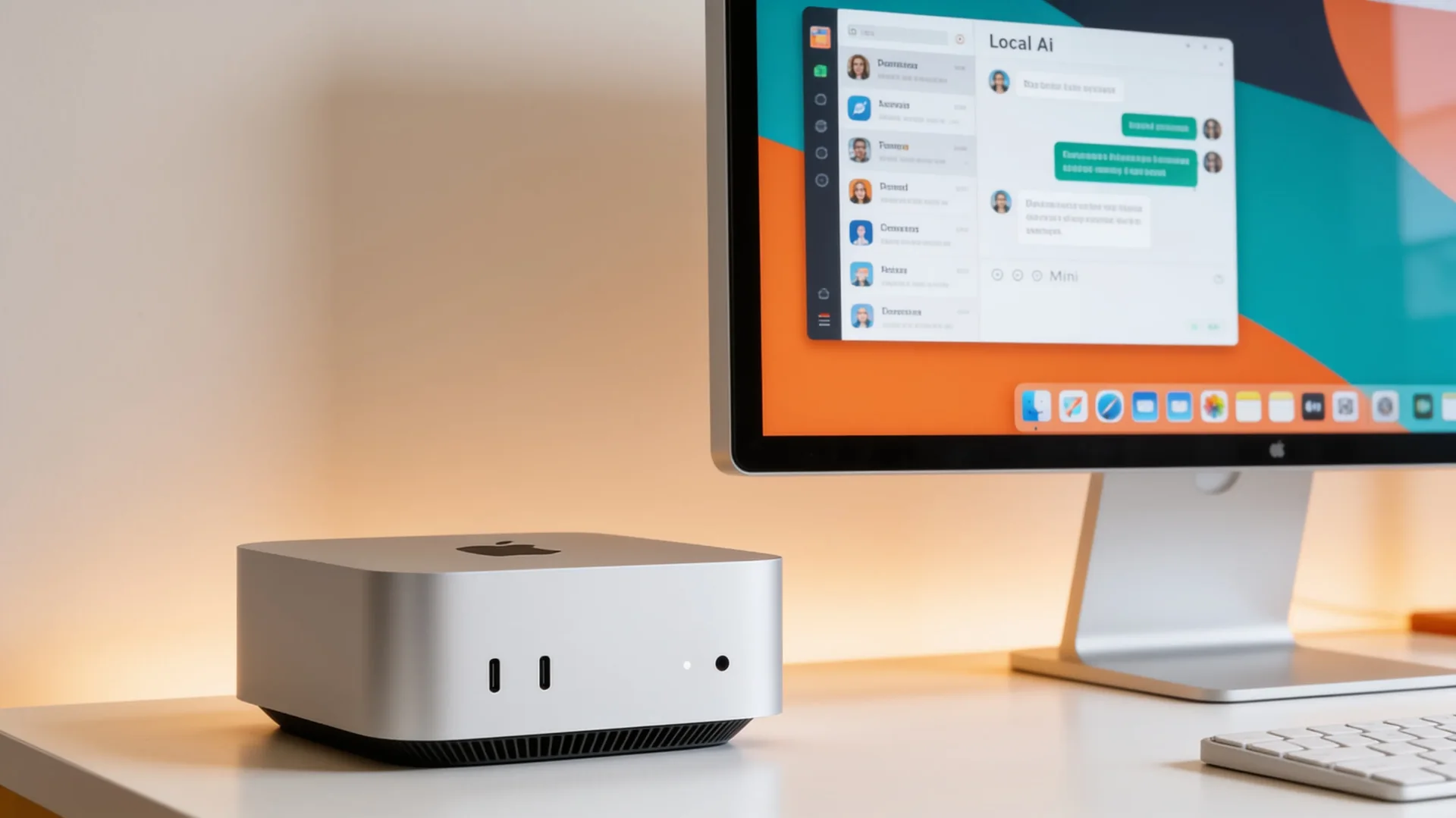
What it gets right
- Unified memory lets the GPU use most of the system RAM for models
- Silent, tiny, and extremely low power — an ideal always-on local AI box
- Runs 7B-8B models at ~25-35 tokens/sec while sipping electricity
- Apple Silicon Metal and MLX support is fast and improving
Where it falls short
- Memory bandwidth trails discrete GPUs, so larger models generate slower
- Unified memory is soldered — buy the capacity you need upfront, no upgrades
- Image and video generation lag the CUDA ecosystem
- Higher-memory configurations get expensive quickly
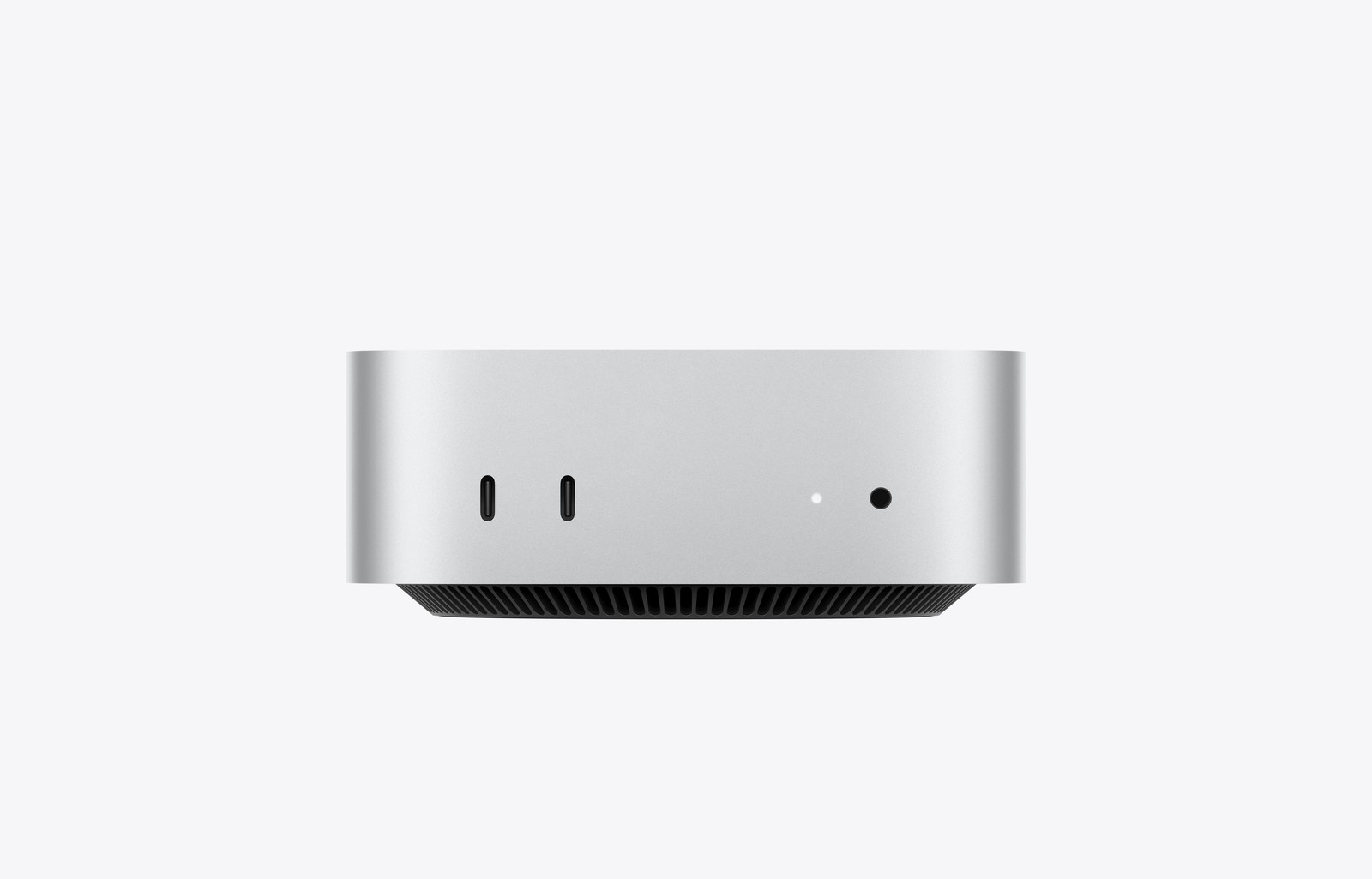
Where to buy this GPU
This is the current Amazon listing we validated for this review. For older or niche GPUs, Amazon availability and pricing can drift above the broader market.
- VRAM
- 16-32GB unified memory
- Current listing
- Out of stock (checked 2026-07-11)
This article contains affiliate links. We may earn a small commission at no extra cost to you. Specs and performance reference published Apple data and community testing.
Quick verdict
The Mac Mini M4 is a genuinely good local AI box for the right buyer: Apple's unified memory lets the GPU use most of the system RAM for models, and it runs 7B–8B models at roughly 25–35 tokens/sec while staying silent and sipping power. Buy it if you want an efficient, quiet, always-on machine for small-to-mid models and value the Mac ecosystem. Skip it if you need maximum tokens/sec, large-model headroom, or serious image/video generation — a discrete NVIDIA GPU is faster there. And buy the memory you need upfront: it is soldered and cannot be upgraded.
The Mac Mini M4 is the most interesting non-GPU option for local AI, because Apple Silicon does something no desktop GPU does: it shares one pool of fast memory between the CPU and GPU. That changes the math on what a small, quiet machine can run. This review is about where that approach wins and where it does not.
If you are weighing Apple against a discrete card, the VRAM requirements guide and best GPU for local LLMs guide cover the GPU side.
Quick Verdict
For a silent, efficient box that runs 7B–14B models well and never sounds like a jet, the Mac Mini M4 is excellent. The unified memory means a 24GB Mac can dedicate most of that to a model — functioning like a mid-to-large VRAM GPU for loading purposes — and the whole thing draws a fraction of the power of a 350W GPU. The catch is speed and flexibility: memory bandwidth is lower than a discrete card, so tokens/sec on larger models trails an NVIDIA GPU, and the memory is soldered, so you commit to a capacity at purchase.
How Unified Memory Works For AI
On a normal desktop, the model has to fit in the GPU’s dedicated VRAM. On Apple Silicon, the CPU and GPU share one pool of memory, so a Mac with 24GB of unified memory can dedicate most of it to a model — there is no separate, smaller VRAM ceiling. That is why a Mac punches above what its price suggests for fitting models.
The asterisk is memory bandwidth. LLM inference is bandwidth-bound — how fast tokens generate depends largely on how fast the chip can read the model from memory. Apple’s higher-end chips have strong bandwidth (the M4 Pro is around 273 GB/s), but that is still below a discrete GPU like the RTX 3090 (~936 GB/s). So a Mac can load a big model, but it generates more slowly than a GPU with the same memory would.
Real Fit And Limits
Performance and memory by tier (community-tested):
- 16GB (base, ~$599): Runs 7B models comfortably at roughly 25–35 tokens/sec, and 8B at ~18–22 tok/s. A great first local AI machine, but you will hit the ceiling as models grow.
- 24GB: The sweet spot — handles 7B to ~22B models with room for the OS. The configuration most local AI buyers should target.
- 32GB: Runs 14B–32B models comfortably at Q4, and a 70B model at aggressive quantization that a 16GB machine cannot load at all.
The honest limits:
- Tokens/sec trail a discrete GPU. A Mac loads large models but generates slower than an NVIDIA card with similar memory.
- Image and video generation lag. The Stable Diffusion / FLUX ecosystem is CUDA-first; it runs on Apple Silicon via Metal but with fewer turnkey paths than NVIDIA.
- Memory is soldered. There is no upgrade later — choose 24GB or 32GB at purchase if local AI is the goal.
Power, Thermals, Noise, And Upgrades
This is where the Mac Mini shines. It is tiny, near-silent, and draws a tiny fraction of a discrete-GPU rig’s power — the opposite of a 575W flagship. For an always-on home AI box that you never want to hear, nothing in the discrete-GPU world matches it on efficiency (the electricity cost calculator makes the running-cost gap obvious). The only “upgrade” decision is the one you make at checkout: the memory is fixed, so size it for the models you intend to run.
Pros And Cons
The cards above sum it up: unified memory, silence, and efficiency, against lower bandwidth than a discrete GPU, soldered non-upgradable memory, and weaker image/video support. For a quiet, efficient inference box, those tradeoffs are easy to accept; for maximum speed or generative work, they are not.
Who Should Buy It
- Buy it if you want a silent, efficient, always-on machine for 7B–14B (or up to 32B on a 32GB config) models and you like the Mac ecosystem. Target 24GB or 32GB of unified memory — and buy it upfront.
- Skip it if you need maximum tokens/sec, large-model headroom at speed, or serious image/video generation. A discrete NVIDIA card — a used RTX 3090 (24GB) or RTX 5060 Ti 16GB — is faster and more flexible for those jobs.
Silent, efficient local AI box
Apple Mac Mini M4
Target 24–32GB unified memory and buy it upfront — it is soldered. Base 16GB starts at $599.
Check availabilityFrequently Asked Questions
Is the Mac Mini M4 good for running local LLMs?
Yes, as a silent, efficient always-on box for 7B–14B models (or up to 32B on a 32GB config). Its unified memory and very low power are real advantages. The tradeoffs are lower bandwidth than a discrete GPU (so slower on larger models) and soldered, non-upgradable memory.
How much memory should I get in a Mac Mini for AI?
Target 24GB or 32GB of unified memory. 16GB runs 7B models but you will outgrow it; 24GB handles up to ~22B comfortably, and 32GB reaches 14B–32B and a 70B at aggressive quantization. The memory is soldered, so choose at purchase.
How fast is the Mac Mini M4 for local AI?
Community testing shows the base 16GB M4 running 7B models at roughly 25–35 tokens/sec and 8B at ~18–22 tok/s. That is very usable for interactive chat, though a discrete GPU generates faster on larger models because Apple’s memory bandwidth is lower.
Mac Mini M4 or a discrete GPU for local AI?
The Mac Mini for silence, efficiency, and a tidy always-on box running small-to-mid models. A discrete NVIDIA GPU for maximum tokens/sec, large-model headroom, and image/video generation. It comes down to whether you value efficiency or raw speed.
Can the Mac Mini M4 run Stable Diffusion?
It can, via Metal, but image generation is CUDA-first and runs with more friction and fewer turnkey options on Apple Silicon. For serious local image/video work, an NVIDIA GPU is the smoother choice.
Last updated: July 11, 2026. Specs reference published Apple data; performance figures reference community benchmarks, not invented numbers. Apple’s base prices remain useful context, but the exact linked configuration was out of stock when checked on that date.