Intel Arc B580 for Local AI Review
A practical review of Intel's 12GB budget GPU for local LLM inference, focused on setup friction, VRAM headroom, and day-to-day usability rather than hype.
This article contains affiliate links. We may earn a small commission at no extra cost to you.
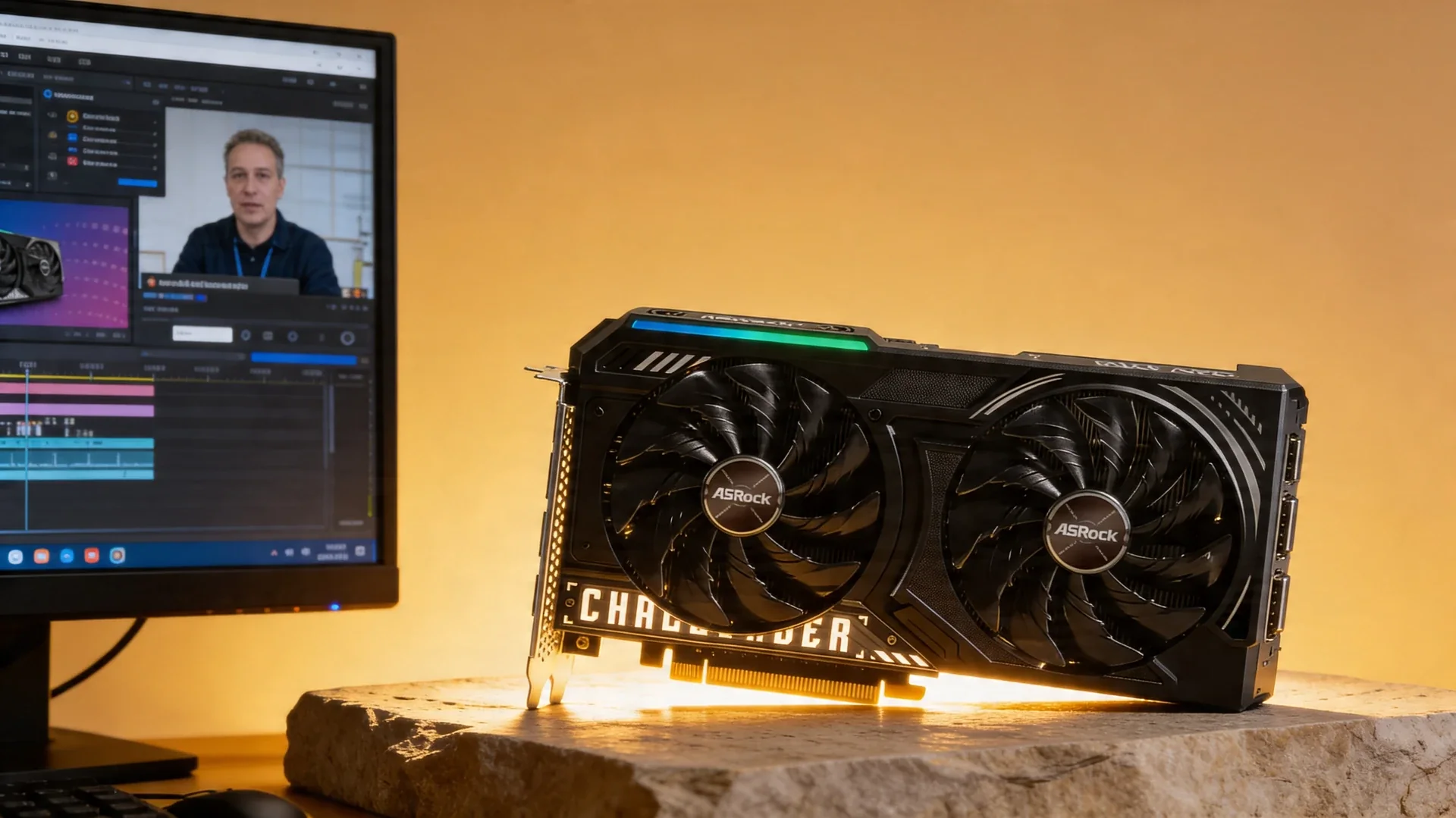
What it gets right
- 12GB of VRAM makes it a real entry point for 7B-class local models
- Far cheaper than most new GPUs that are still useful for local inference
- Power draw is manageable for a small always-on desktop or lab box
Where it falls short
- Software setup is still less predictable than the mainstream NVIDIA path
- Model tooling compatibility depends more heavily on your exact stack
- Not the right card if you already know you need 24GB-class headroom
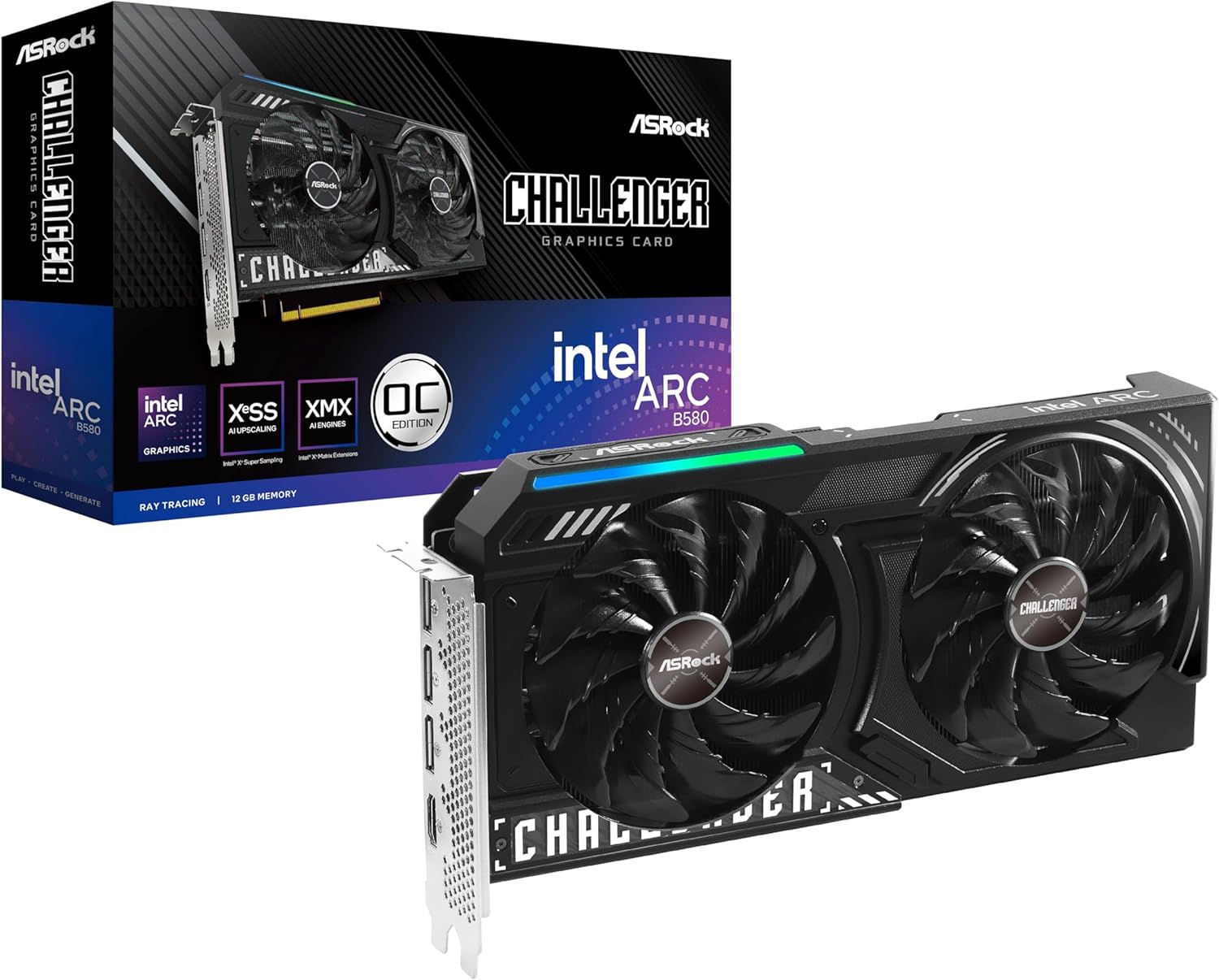
Where to buy this GPU
This is the current Amazon listing we validated for this review. For older or niche GPUs, Amazon availability and pricing can drift above the broader market.
- VRAM
- 12GB GDDR6
- Current listing
- $309.99
Quick verdict
The Intel Arc B580 is worth buying for local AI if your target is 7B-class models, your budget is tight, and you accept more setup friction than the default NVIDIA path. 12GB of VRAM at ~$249–309 is the appeal; skip it if you already know you need 24GB-class headroom or want zero setup hassle.
The Intel Arc B580 is worth buying for local AI if your target is 7B-class models, your budget is tight, and you accept more setup friction than the default NVIDIA path.
This review is intentionally narrow because that is the real buying question. The B580 matters only if 12GB of VRAM at a low price is more important to you than maximum compatibility with every local AI tool.
If you want to price-check the exact Amazon listing we validated for this review, use the buy card below rather than guessing from broader search results.
Quick Verdict
The Arc B580 is easy to recommend if your goal is to run smaller local models on a strict budget and you accept that Intel still asks more from your software stack than NVIDIA does.
Our 8/10 editorial score is based on value and practicality, not on flagship speed. The card earns that score because 12GB of VRAM opens up meaningful local inference workloads at a price point that is still approachable for hobbyists, students, and first-time builders.
Where it fits
The best fit is a builder who wants a first dedicated local-AI GPU for 7B-class models, retrieval experiments, prompt iteration, and general tooling familiarity. It is also a reasonable pick for a secondary desktop that stays online for lightweight inference tasks.
If you already know you want larger 30B-class models, longer context windows, or the broadest out-of-the-box compatibility with every local AI tool, this is the wrong buying target. Move straight to a 16GB or 24GB card and skip the compromise.
What makes it interesting
Most cheap GPUs fail local AI in one of two ways: they either stop at 8GB of VRAM, or they look affordable until you compare them against what they can realistically host. The Arc B580 avoids that trap. Its 12GB frame buffer gives it enough room to be useful instead of merely experimental.
That makes the card relevant for people who do not want to overspend before they understand their real workflow. If your immediate aim is to learn Ollama, LM Studio, or llama.cpp-style workflows and keep the hardware bill under control, the B580 is a more rational place to start than many slightly cheaper but far less capable options.
The tradeoff you are actually buying
The downside is not mysterious. You are paying for value with extra setup uncertainty.
NVIDIA remains the default recommendation because more local AI tooling assumes CUDA first. Intel has improved materially, but the ecosystem is still less forgiving. That means driver maturity, feature support, and update cadence matter more on Intel than they do on the mainstream NVIDIA path.
For the right buyer, that tradeoff is acceptable. For someone who wants the least-friction setup possible, it is not.
Who should buy it
Buy the Arc B580 if you want a genuine budget local-AI GPU, you care about VRAM more than gaming prestige, and you are comfortable doing a little extra setup work.
Skip it if you already know local AI is a core daily workload or if you want the safest compatibility path with the broadest amount of community-tested guidance.
Cheapest serious 12GB local-AI GPU
ASRock Intel Arc B580 Challenger 12GB OC
12GB at ~$249–309 for 7B-class models. Compare it in the best budget GPU guide, which covers the under-$300 and under-$500 bands.
View Amazon listingFrequently Asked Questions
Is the Intel Arc B580 enough for local LLM use?
Yes for 7B-class models and lightweight experimentation, especially if you value 12GB of VRAM at a low price. It is a budget-first choice, not a flagship substitute — for 14B+ models, look at a 16GB card.
How much VRAM does the Intel Arc B580 have?
12GB of GDDR6 — enough for 7B models comfortably and 13B at aggressive quantization. See the VRAM requirements guide to match models to memory.
Is the Arc B580 harder to set up than an NVIDIA GPU?
Somewhat. The mainstream local-AI tooling is CUDA-first, so expect a little more setup with Intel’s stack (llama.cpp + IPEX-LLM). If you want zero friction, an NVIDIA card is smoother — see NVIDIA vs AMD for local AI.
B580 or a used RTX 3060 for local AI?
Both are ~12GB budget options. The B580 is new with a warranty; a used RTX 3060 has mature CUDA support. Choose the B580 for a new card, the 3060 for the smoother software path.